
Living in Prescott
TekStop Becomes TekStop Home Tech Concierge
TekStop is now TekStop Home Tech Concierge. What the new name means for the Prescott homes we look after, and the story behind the change.
From the workbench
The advice we give on the phone, written down and grouped by what you're actually dealing with.
Living in Prescott
TekStop is now TekStop Home Tech Concierge. What the new name means for the Prescott homes we look after, and the story behind the change.
Buying & Replacing
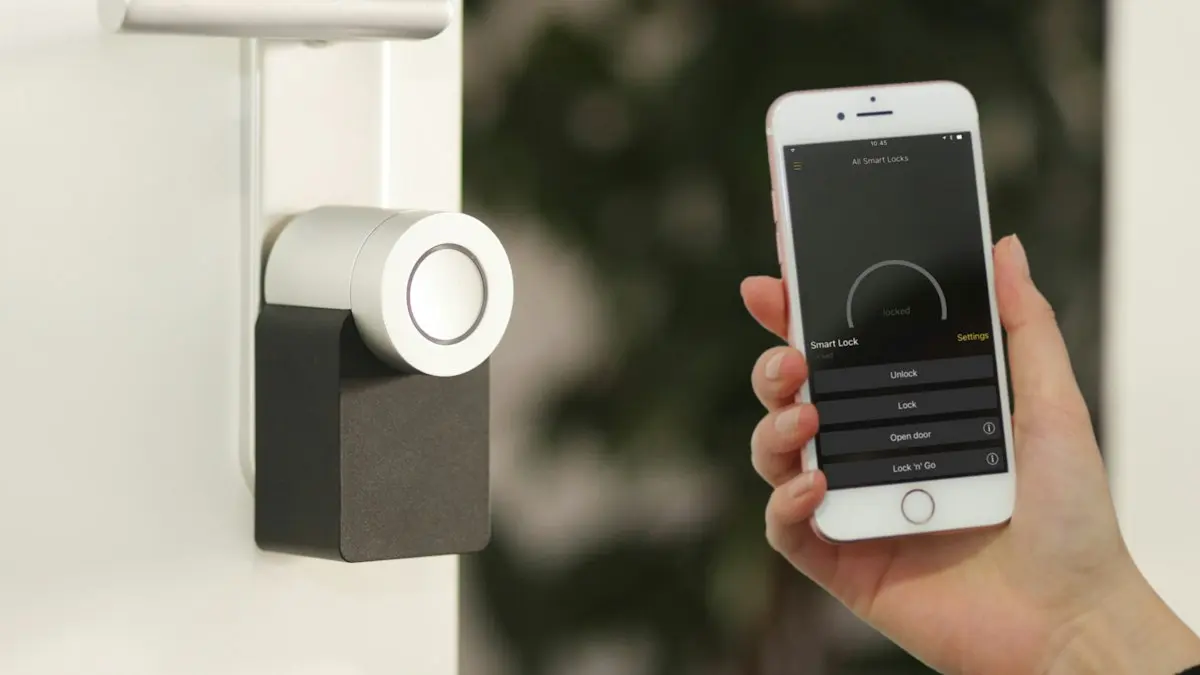
Lights that turn themselves off, a leak alert before the damage, the front door locked from bed. What a smart home really does, and where to start.

Staying Safe Online
Got a pop-up warning that your computer is infected? What to do first, what to never click, and how to tell a fake virus alert from a real one.
Got a pop-up warning that your computer is infected? What to do first, what to never click, and how to tell a fake virus alert from a real one.
What a SOC actually does, why software alone can't replace one, and how round-the-clock security monitoring became available to households.

Why one strong password isn't the goal, what a password manager actually does, and a realistic security setup for a normal household (no paranoia required).

VPN ads promise privacy and security. What a VPN really does, who genuinely needs one, and how to pick without the hype.
MFA stops the vast majority of account takeovers. No jargon: what it is, where to turn it on first, and which second factor to pick.

Parental controls that survive contact with a clever 12-year-old, the settings worth using, and why the WiFi router is your strongest ally.
PC cleanup and 'speed-up' apps promise a faster computer and mostly deliver pop-ups. Why cleanup software is snake oil, and what actually helps.
Wave Browser usually arrives hidden inside another download. What it is, how it got on your machine, and the exact steps to remove it.

Strong, unique passwords are the first line of defense. Twelve password best practices in plain English, from length and reuse to managers and MFA.

A step-by-step tutorial for removing computer viruses with free tools, covering safe mode, scanners and browser cleanup, plus the signs it's time to call for help.

Why is your browser so slow? The usual causes - extensions, cache, your internet connection, antivirus - and the fixes, in the order worth trying.

Locked out of your email? Wrong passwords, expired sessions and security holds are the usual causes. Here are the fixes, in the order worth trying them.

The honest checklist we run on slow computers: startup queue, storage health, browser weight and the 'cleaner' apps making things worse. Free fixes first.
Offline printers, ghost queues, streaky pages and the scanner that scans to nowhere. Here's how to fix the most stubborn machine in your house.

When software problems won't quit, a Windows reset can start you fresh. How to reset your computer safely, with or without keeping your files.
Safe physical cleaning for laptops and desktops. What to use, what never to spray, and why dusty high-desert homes need it more often.

Turn on Bluetooth in Windows 11 in under a minute, from Settings or Quick Settings, plus what to check when the toggle is missing entirely.
Three reasons on-site computer repair works so well: nothing to unplug, you watch the diagnosis happen, and house problems get fixed in the house.

What F1 through F12 actually do in Windows, plus why laptop F-keys change brightness instead of refreshing: the Fn key and Fn-lock explained.
A plain-English router setup guide: placement, naming, passwords, guest networks and the three settings that matter, minus the jargon.

Five fixes that resolve most home WiFi complaints: restart order, router placement, band steering, extender audits and the forgotten firmware update.
Lights that turn themselves off, a leak alert before the damage, the front door locked from bed. What a smart home really does, and where to start.
Windows 10 security updates have ended, and the extension runs out in October. How to check for a free Windows 11 upgrade, and the honest math if you can't.

Five minutes of waiting, several times a day, every day. The arithmetic on what a slow computer actually costs a household, and the cheap ways out of it.

The honest repair-or-replace math from people who profit either way: what's worth fixing, what isn't, and the one upgrade that buys old machines years.

The questions to ask any computer repair service, the red flags to walk away from, and how in-home service changes the math.

When your computer goes down, you don't have to haul it anywhere. What in-home computer repair looks like, and how to get devices fixed fast.
Outlook roaming signatures are finally here. Our five favorite features in the new Microsoft Outlook, and what they mean for your inbox.
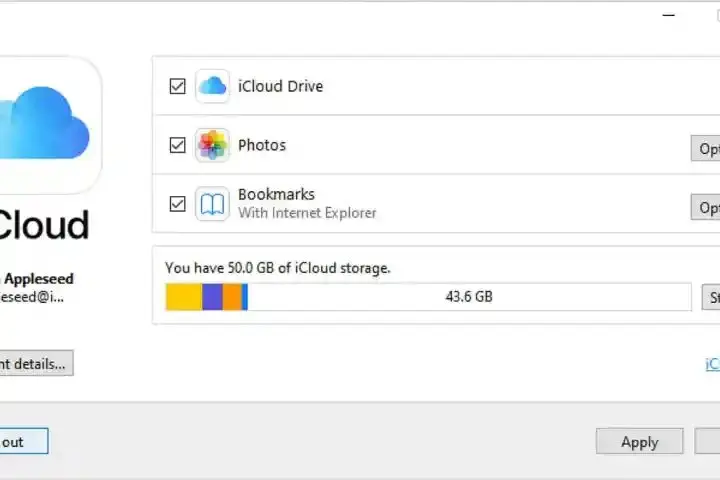
iCloud, explained in plain English: what Apple's cloud actually stores, what it costs, and how to keep photos and backups from quietly filling it up.
TekStop is now TekStop Home Tech Concierge. What the new name means for the Prescott homes we look after, and the story behind the change.

The scams our clients are actually seeing this season. Fake Microsoft pop-ups, bank impersonation texts, Medicare calls, and the gift-card tell.

Prescott's old walls, long lots and limited internet options gang up on WiFi. Here's what's actually wrong in most local homes, and what genuinely fixes it.

A two-minute diagnostic for Prescott-area outages. Figure out whether it's Sparklight, your equipment, or one misbehaving device before you wait on hold.

An honest local guide to cable, fiber, fixed wireless, satellite and cellular internet in the Prescott area, and how to pick the right one by address.

A legacy cableone.net address won't last forever. 3 steps to move to Gmail or Outlook without losing your mail or the accounts tied to it.
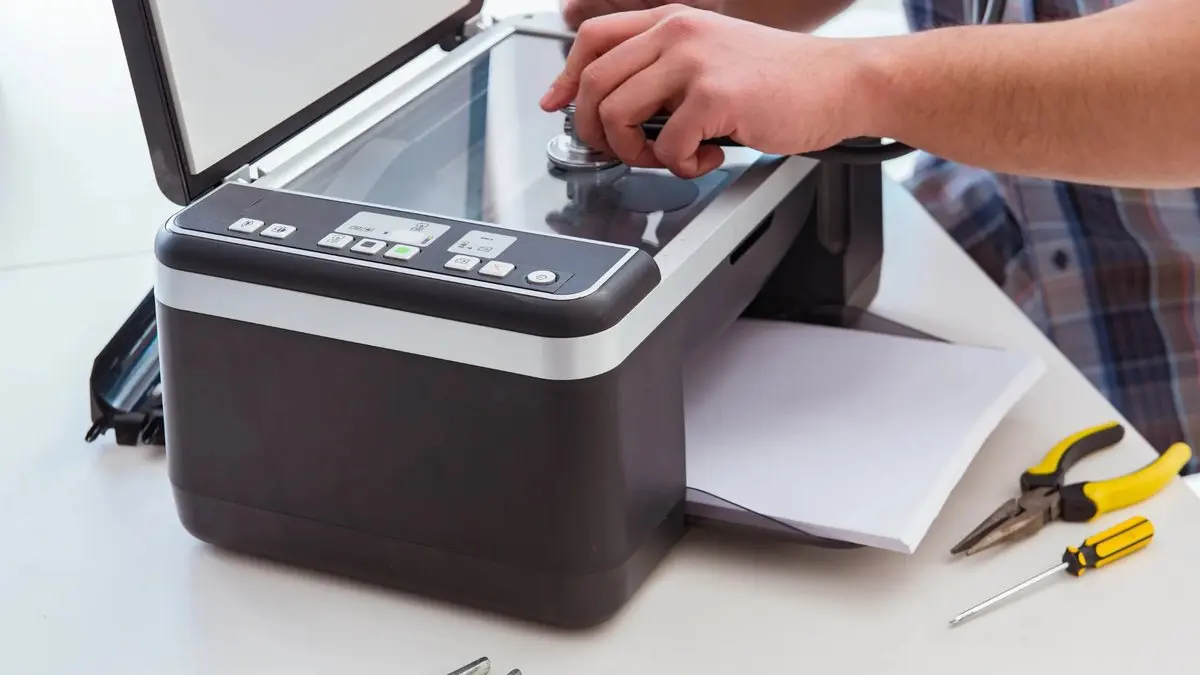
What people expect from computer repair in Prescott versus what actually happens on a visit. Timelines, costs, and the myths worth retiring.
Nothing matches that yet. Clear the search, or call us (the answer usually takes about five minutes on the phone).
Get Connected. Stay Supported.
Every article on this page is also just a phone call. That's rather the point of us.
Call TekStop at (928) 583-4454 Monday–Friday, 8am–5pm. Closed all federal holidays and Black Friday.
After hours, you'll get an emergency option. Emergency work is billed at $320/hour.