“The smart doorbell is still in its box”
Smart home setup in Prescott
Smart home devices mostly just work, once they're set up right and someone shows you how to use them. We set up Ring, Nest, Alexa and Apple gear in Prescott-area homes, pull it into as few apps as possible, and stay until you can actually drive it.
Any of this sound like your week?
- The smart doorbell has been in its box since Christmas
- The camera says offline every time you actually need it
- Alexa answers, but the lights don't listen
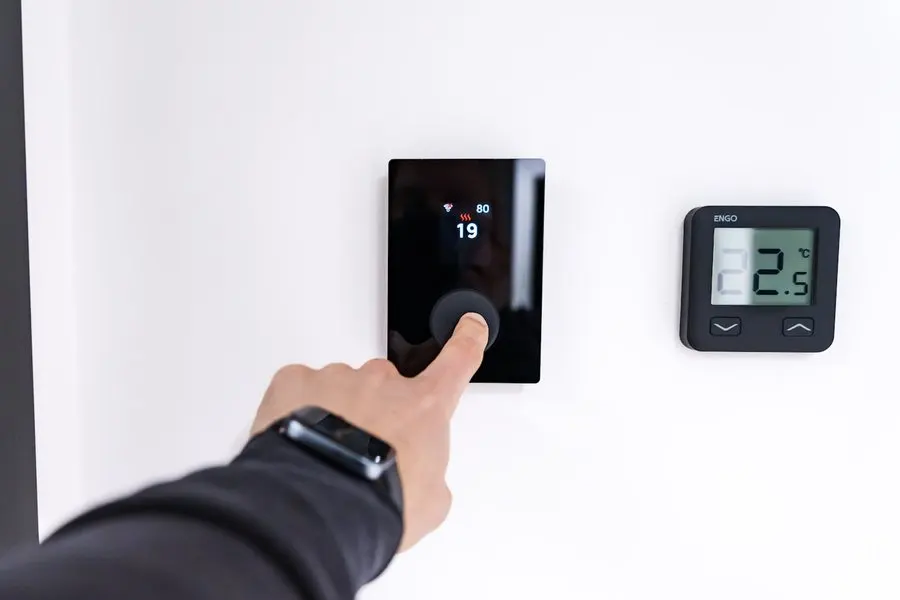
- The new thermostat won't connect to the WiFi
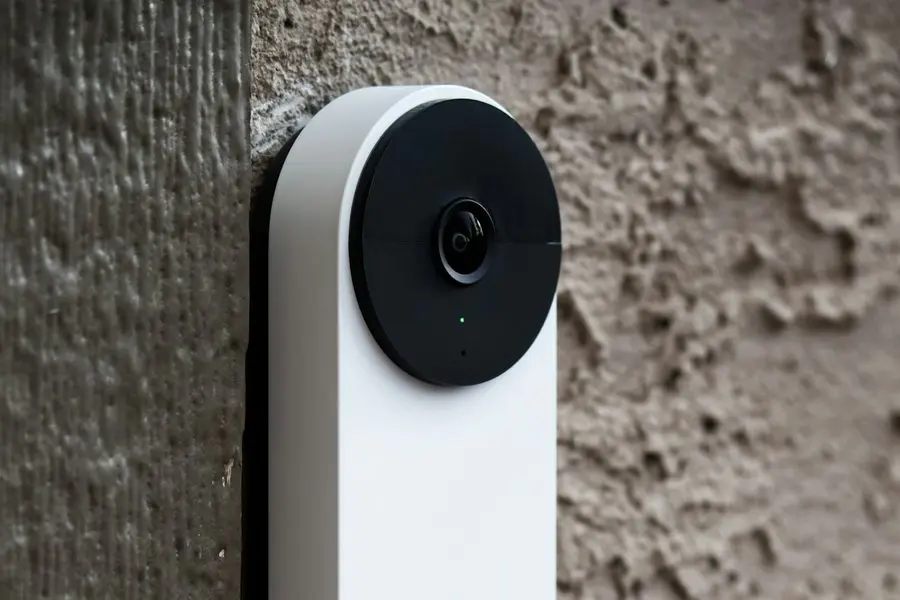
- The doorbell rings in the house but never on your phone
- Every device wants its own app, account and password
- You want it simplified for a parent, with fewer apps to juggle
A standard visit is $160 an hour with a 1-hour minimum, no trip fee and no diagnostic fee anywhere in the Arizona Quad Cities; your time starts when your technician is dispatched, so you pay for the drive one way only, never both. A multi-device project (doorbell, thermostat, a few cameras and speakers) typically runs 2–3 hours plus equipment and lands between $500 and $1,000 total. App and account questions can often be handled remotely at $80 for a half-hour session.
Most smart home calls are setup and training, not repair: these devices mostly work once they're set up right, and most visits fit in 1–2 hours.
What we actually do
How this gets fixed
-
We start with what you have, or help you shop
Some clients hand us gear they've already bought; others describe what they want the house to do and let us handle the rest. We shop for, deliver and set up smart home gear as one job, and we'll say plainly when a gadget isn't worth buying.
-
We put it on WiFi that can carry it
Before anything gets paired, we check the signal where the device will actually live. A doorbell on the far side of a plaster wall fails in a way no amount of app-fiddling fixes, so the network question comes first.
-
We hand it over working, then teach it
Accounts consolidated, notifications reaching the right phones, and every new password written down for you. Then you drive while we watch, and we stay until you're comfortable running it yourself.
The initial setup happens at your house, since pairing devices and checking signal only works in person. The questions that come later rarely need a truck; most are handled by phone or remote session the same day you call.
Mostly setup, not rescue
Here is the honest shape of our smart home work: most calls are setup and training. Ring doorbells, Nest thermostats, Alexa speakers and Apple HomeKit mostly just work once they're set up right. The miserable stretch is the first one, when the app insists the device doesn't exist or the pairing fails for no visible reason, and that's the stretch we handle.
This page is the device layer. When the whole house needs connecting from scratch (network, coverage, TVs, everything), that's our whole-home tech setup, and the smart devices ride on top of it. Plenty of clients do it in exactly that order.
What a smart home visit includes
Within the first 30 minutes on-site you'll have an action plan and you'll hear it: what's getting set up in what order, and roughly how long we think it will take. If a device fights back (occasionally one does), we check in before spending more billable time on it. You should never learn how the visit went from the invoice.
- Signal check at each spot a device will live, before anything is paired
- Device setup without creating a new account for every gadget
- Notifications tuned so the doorbell rings the right phones, and only those
- Access shared with family, including adult kids checking in from out of state
- Apps arranged, devices named sensibly, everything merged into as few apps as the ecosystems allow
- Every new password recorded in whatever place you already keep them
- A walkthrough where you run every device yourself before we go
The WiFi underneath, and what Quad Cities houses do to it
A smart device is only as good as the WiFi where it's mounted, and that is a location problem before it's a gadget problem. In Prescott, older plaster and masonry walls soak up signal, and the doorbell is almost always on the far side of the thickest one. Prescott Valley's newer single-story homes stretch the problem out horizontally: the back-fence camera is a long way from the router in the front office. On Chino Valley acreage, the camera you actually want is on the gate or the shop, which is a job for a building-to-building wireless link; another repeater won't reach it. And around Dewey-Humboldt, cloud cameras push video upstream all day, and upload is exactly what thin rural connections are short on.
So we check signal at each device's location before pairing anything, and when the network itself is the problem we say so plainly. Fixing that is its own job, covered under WiFi and networking, and it's the best money you can spend before buying another camera.
One app instead of five
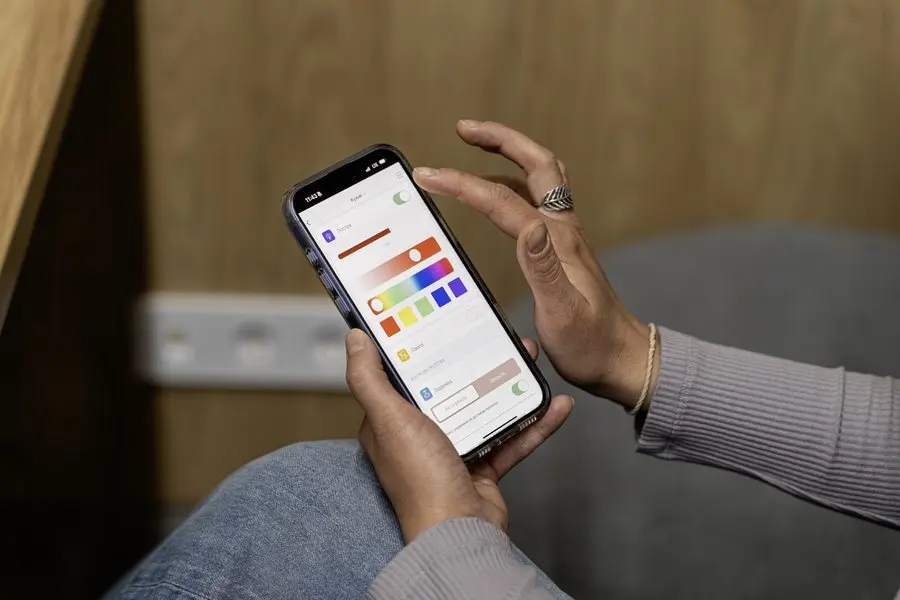
The default outcome of buying smart gear one gadget at a time is a separate app for every device and a phone that buzzes from all of them. Most mainstream devices can be pulled into a single ecosystem (Alexa, Google or Apple), and that consolidation is half the value of the visit. We'll also tell you honestly when one gadget refuses to join and isn't worth forcing; sometimes the right fix is swapping it for one that plays well with what you already own.
Mostly a house call, with one counter exception
A doorbell is set up where it's mounted, against the WiFi it will actually live on, so this stays in-home work at $160 an hour. Pairing a camera on our bench and handing it back proves very little about whether it will hold a connection at your gate.
There is sometimes a counter version. A gadget stuck before it ever reaches your network, one that won't factory reset or take a firmware update, can come to the Tek Shop from November 1, 2026 as Tek Counter work at $40. Call first, because plenty of these devices will only finish setup once they are on your own WiFi, and those we handle at the house instead. Either way the rest of the job is signal, placement and folding it into the app you already use.
Trained until it's actually yours
Getting a device working is only half of it. You take the wheel before we pack up: you answer the doorbell from your phone and change the thermostat schedule yourself, and where a step needs written instructions, we write them on the spot. After that, adjusting the heat or checking a camera shouldn't require calling anyone.
If you want to go deeper, our tech training picks up where setup day leaves off. And because we're on-site in the Quad Cities and remote nationwide, the person who bought the doorbell and the person who answers it don't have to live in the same state.
“TekStop and the owner Niles Banghauser are awesome! This company really knows their stuff, great response times and tons of info on how to protect yourself plus simple how-tos. They are my first recommendation for computer and smart home needs!”
Keep it from happening again

Our recommendation: OneStop Standard
After setup day, smart home needs are small and frequent: a notification that stopped, or an app that signed itself out. Standard's unlimited phone and remote support turns all of those into free calls.
OneStop Standard is $35/month.
Prefer to try it yourself first?
Free guides from our Tech Tips
Written by the same techs who'd answer your call. No strings attached.
-
 How to Set Up Your WiFi Router (The Way a Technician Would) A plain-English router setup guide: placement, naming, passwords, guest networks and the three settings that matter, minus the jargon.
 -
 5 Quick Fixes for WiFi Problems (Try These Before Calling Anyone) Five fixes that resolve most home WiFi complaints: restart order, router placement, band steering, extender audits and the forgotten firmware update.
Common questions
How much does smart home setup cost?
A standard visit is $160 an hour with a 1-hour minimum: no trip fee, no diagnostic fee, and the clock starts at dispatch. Multi-device projects typically land at 2–3 hours plus equipment, somewhere between $500 and $1,000. Full rates are on our pricing page.
How long does setup take?
Most visits run 1–2 hours, training included. When no parts are needed, the job is almost always finished in a single visit, and with smart home gear parts are rarely the issue.
Can you do this remotely?
The first visit is in person; you can't check the signal at the front door over a phone call, and someone has to be there while the doorbell pairs. App, account and notification questions afterward are solved by phone or a remote session, usually the same day.
We're an Apple household. Is that a problem?
Not at all. Apple is one of the four ecosystems we work in regularly, alongside Ring, Nest and Alexa. We also help with the iPhones and iPads everything runs from: setup and support, though not hardware repair on the phones themselves.
What if a device just can't be made to work?
It happens. Occasionally a gadget is a lemon, or won't cooperate with the rest of your setup. You pay for the time at the hourly rate, and we tell you before spending more of it; we never run the clock quietly. Usually the honest recommendation is a different device that fits what you own, and we can shop for that too.
Can you set up my Ring doorbell?
Yes. We handle the account and the WiFi connection, and we make sure the notifications and family sharing actually work before we call it done. If the install needs new wiring or mounting hardware on the house, a licensed local partner we coordinate handles that part.
Do you install Nest thermostats?
We set them up and teach them, from schedules in the app to adjusting the house while you're away. If the wall needs new wiring to power the thermostat, that goes to a licensed partner we work with, and we coordinate it so you're not managing two contractors.
Do you sell the devices too, or do I buy them myself?
Either works. We shop for, deliver and set up smart home gear as one job. If you'd rather buy it yourself, tell us what you're considering first and we'll say honestly whether it will get along with what you already own.
Will my WiFi handle cameras and a video doorbell?
That depends on where the devices live as much as on what plan you pay for. Prescott-area homes are hard on WiFi in some very specific ways, so we check the signal at each device's spot before pairing anything, and you learn about a weak corner before the camera is on the wall.
My parents are in Prescott and I'm in another state. Can you set this up for them?
Yes, and it's a common arrangement. We do the in-home setup anywhere in the Quad Cities, set up sharing so you can see the cameras and thermostat from where you live, and train your parents until they're comfortable, patiently and in plain English.
Who do we call when something stops acting right in six months?
Us. Most after-setup questions are quick phone or remote fixes. If you find yourself calling more than once in a while, OneStop Standard at $35 a month makes every one of those calls free.
We provide smart home setup for homes throughout Prescott, Prescott Valley, Chino Valley and Dewey-Humboldt. We also work by phone and remote, nationwide.
In your home
Prescott, Prescott Valley, Chino Valley, Dewey-Humboldt (Arizona's Quad Cities).
By phone & remote
Remote support and OneStop Memberships reach all 50 states.
Get Connected. Stay Supported.
Ready to be done with this?
Call now. If it's remotely fixable, it can be handled today.
Call TekStop at (928) 583-4454 Monday–Friday, 8am–5pm. Closed all federal holidays and Black Friday.
After hours, you'll get an emergency option. Emergency work is billed at $320/hour.