“The printer refuses to cooperate”
Printer repair & setup in Prescott
Printers are the most stubborn technology in any home, and everyone secretly knows it. Whatever yours is doing, or refusing to do, we have almost certainly fixed it before, usually in a single remote session the same day you call.
Any of this sound like your week?
- "Printer offline" when it is clearly on
- It vanished from the WiFi after a new modem or router
- A new printer that won't connect, still half in its box
- Prints blank pages, streaks or hieroglyphics
- Scans to nowhere, or refuses to scan at all
- Works from one computer but not the other
- You can't print from your phone, though everyone insists you can
Most printer problems are solved in a single remote session, typically 30 to 60 minutes, starting at $80. When the job needs hands on the hardware, we come to you anywhere in the Quad Cities around Prescott, Arizona: $160 an hour with a 1-hour minimum, no trip fee and no diagnostic fee. And we never run the clock quietly: if a printer is not worth saving, we say so early, before the bill argues otherwise.
Most printer problems are solved in a single remote session of 30 to 60 minutes, starting at $80.
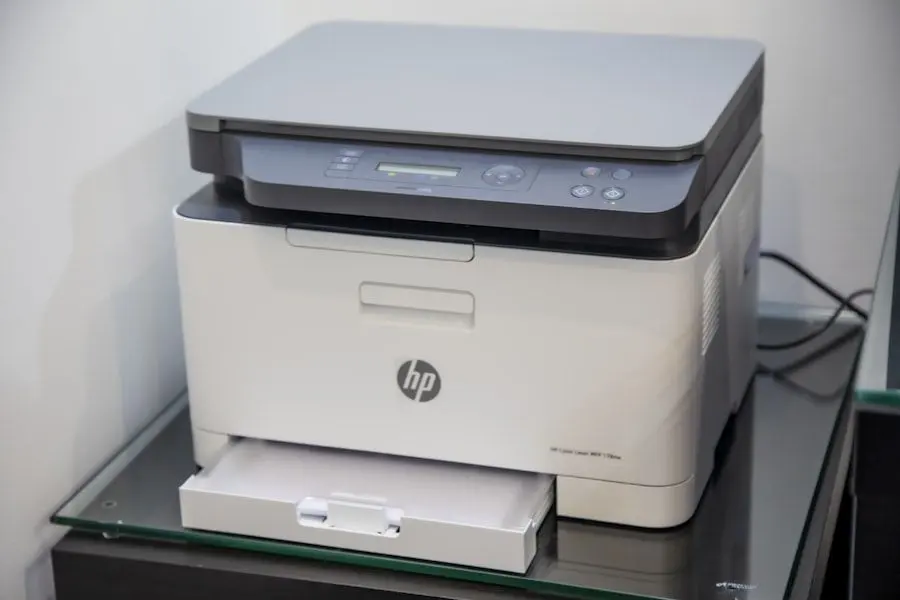
What we actually do
How this gets fixed
-
We reconnect it properly
Most printer misery is a connection or driver problem wearing a paper-jam costume. We fix those remotely, usually the same day you call and often on the first call.
-
We make it stick
A reserved network address so it stops going offline, correct drivers on every computer, scanning set up to a folder you can actually find. The point is that you never have to do this again.
-
We tell you when to give up
Some printers cost more in ink and suffering than replacement. When yours crosses that line, we say so, help you choose the next one, and handle the whole swap, including recycling the old one.
Most printer trouble is connection and driver trouble, and we fix it remotely while you watch; a typical session runs 30 to 60 minutes. When the fault is genuinely in the hardware, we come to you.
What a full printer setup includes
Setup is half this page's title, and we treat it as a deliverable, not a courtesy word. The printer might have come from us or from a box in your trunk; either way, here is what a full setup can include, each item checked while you watch.
Done this way, setup is a one-visit job when no parts are needed.
- Unboxed, placed, and joined to your WiFi, with a reserved address so it is far less likely to drop off the network later
- Installed and printing from every computer in the house, Windows and Mac alike
- Phone and tablet printing set up for iPhone, iPad and Android
- Scan-to-email or scan-to-folder configured, so scans land where you expect them
- A test page and a test scan from each device before we call it done
- A plain-English walkthrough: how to reorder toner or ink, what the lights mean, and what to try before calling us
Your printer problem is usually a network problem
One of the most common printer calls we get starts with a modem swap. A new gateway gets installed, or a new router arrives in the mail, and the WiFi becomes, as far as your printer is concerned, a brand-new network. The printer keeps calling for the old one, faithfully, forever. Reconnecting printers after equipment changes and forced re-logins is a large share of everything we do.
It is also why we follow a standing rule on our own network jobs: after any modem or router change, we test the printers and every other device in the house before we leave. The "printer vanished after the new modem" call rarely comes from a swap we handled; it comes from the DIY swap that went fine right up until printing.
When a printer drops off even though nothing changed, the patient is often the network itself: weak signal in the room where the printer lives, or two devices quietly disagreeing about addresses. That points at WiFi and networking rather than the printer, and it is worth diagnosing before you replace a healthy machine. Our guide to common printer problems walks through the safe things to try yourself first.
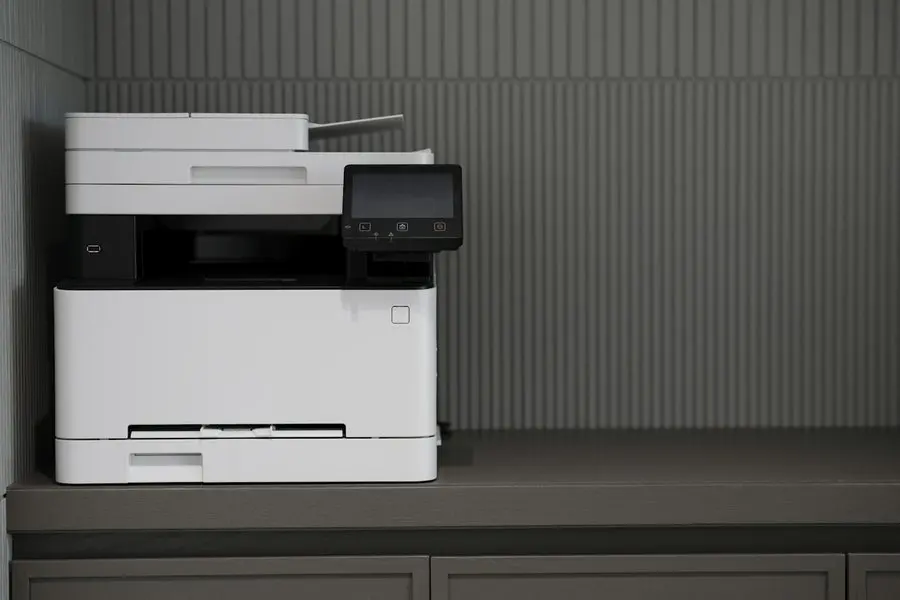
Buying a printer where the air is this dry
Prescott's climate quietly ruins one specific kind of printer. Ink is liquid, and in high-desert air an inkjet that sits idle between uses dries out and clogs: you come back to streaks, blank pages, and cleaning cycles that drink half a cartridge trying to recover. Toner is powder. It does not care how dry the winter gets.
So for households that print occasionally (forms, boarding passes, the odd recipe) we usually point people at a Canon laser printer, typically $400 to $500. HP and Brother lasers have served our clients well too. We deliberately do not publish model numbers, because whatever we named here would be discontinued by the time you read it; call us and we will pick the right current model for how you actually print.
When a printer is truly done, we handle the whole path: choose the replacement, order it, deliver it, run the full setup above on every device, and take the dead one away for recycling. You never touch a box.
Printers travel. Their networks don't.
A printer moves better than most things on this page, with one line drawn through it. If it plugs into a computer by USB, bring it in: a driver mess or a stuck queue is Tek Counter work at $40 when it comes right while you wait. If it lives on your WiFi, and most now do, the problem is usually the network rather than the printer, and that gets solved remotely or at the house where your network actually is.
Here's the catch, and it's the same catch as the rest of this page. A printer that misbehaves at home will usually behave perfectly on our bench, because the fault lives in the network it was joined to. Proving the hardware is healthy is worth knowing, and then the real fix still happens at your house or over a remote session, where the signal, the placement and the reserved address actually are.
Printer help across the Quad Cities
We make house calls across Prescott, Prescott Valley, Chino Valley and Dewey-Humboldt, with no trip fee to any of them. When the real problem is coverage, like a printer in a back room the WiFi barely reaches or out in a shop or casita on the same property, we can fix the network side too, including building-to-building wireless links between the house and an outbuilding.
Most printer work is software, though, so most of it never requires a drive at all: a remote session reaches all four towns the same day, and reaches your parents' place out of state just as easily.
“New Printer - ordered, set up and configured for all our needs perfectly. Well done TekStop. Thanks”
Keep it from happening again

Our recommendation: OneStop Standard
Printers are the single best argument for unlimited remote support ever manufactured. OneStop Standard makes every quick reconnect-the-printer call free, which is exactly the shape these problems take.
OneStop Standard is $35/month.
Prefer to try it yourself first?
Free guides from our Tech Tips
Written by the same techs who'd answer your call. No strings attached.

Common questions
How much does printer repair cost?
Most printer problems fit in a single remote session, typically 30 to 60 minutes, starting at $80. If it needs hands on the hardware, an in-home visit is $160 an hour with a 1-hour minimum, and there is no trip fee and no diagnostic fee anywhere in the Quad Cities. Full rates are on our pricing page.
How long does a printer fix take?
Remote sessions typically run 30 to 60 minutes, and most happen the same day you call. Most in-home visits run 1 to 2 hours, depending on how many devices need printing set up.
Can you fix it without coming to my house?
Usually, yes. Most printer trouble is connection and driver trouble, which we fix by screen-share while you watch. When the fault is in the hardware itself we come to you, and from November 1, 2026 you can bring the printer to the Tek Shop instead. Moving it is your choice, never a requirement.
Why does my printer keep going offline?
Usually the printer and the router quietly renegotiating addresses until one day they disagree. A reserved network address stops the address shuffle behind most offline episodes, and we set one up as part of the fix.
My printer disappeared after the new modem was installed. What happened?
The new modem created what your printer sees as a brand-new network, and it is still calling for the old one. This is one of the most common calls we get. We reconnect the printer and anything else that fell off at the same time in one session, usually remotely.
Which printer should I buy?
For most homes here that print occasionally: a Canon laser, typically $400 to $500. In our dry climate an idle inkjet clogs, and toner does not. HP and Brother lasers have also served our clients well. Tell us how you print and we will pick the exact model and take it from there.
Do you set up printers on Macs and iPhones?
Yes. We set up printing on Windows and Mac alike, and from iPhone, iPad and Android phones and tablets. Macs are a smaller share of our work than Windows, but printer setup on them is routine.
What if the printer can't be fixed?
You will hear that early, not after hours of billing, and on complex jobs we keep checking in before spending more of your time. If the printer is not worth saving, we can quote a replacement on the spot and handle the whole swap, old printer recycled.
Why does my inkjet print streaks or blank pages after sitting unused?
In Prescott's dry air, the ink in an idle print head dries and clogs. Cleaning cycles sometimes revive it, but a printer that sits unused for weeks at a time will keep doing this. It is the main reason we steer occasional printers toward laser.
Can you set up scan-to-email?
Yes. We configure scan-to-email or scan-to-folder as part of a full setup, so scans land in your inbox instead of disappearing into the printer's memory. If yours currently scans to nowhere, that is usually a 30-minute remote fix.
I call about this printer a lot. Is there a cheaper way?
That is exactly what OneStop Standard is for: $35 a month buys unlimited remote and phone support, so the fourth printer call costs the same as the first.
We provide printer setup & repair for homes throughout Prescott, Prescott Valley, Chino Valley and Dewey-Humboldt. We also work by phone and remote, nationwide.
In your home
Prescott, Prescott Valley, Chino Valley, Dewey-Humboldt (Arizona's Quad Cities).
By phone & remote
Remote support and OneStop Memberships reach all 50 states.
Get Connected. Stay Supported.
Ready to be done with this?
Call now. If it's remotely fixable, it can be handled today.
Call TekStop at (928) 583-4454 Monday–Friday, 8am–5pm. Closed all federal holidays and Black Friday.
After hours, you'll get an emergency option. Emergency work is billed at $320/hour.