Buying & Replacing
The Real Cost of a Slow Computer
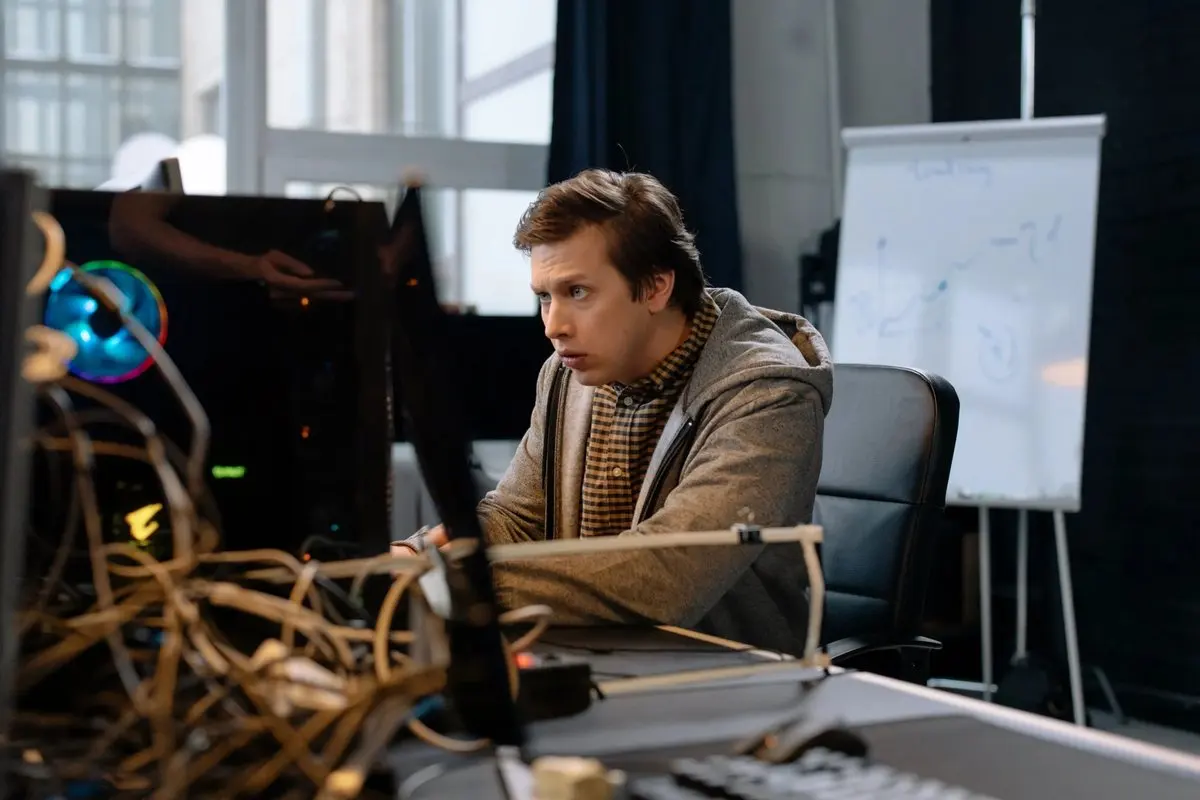
Nobody budgets for a slow computer, because no bill ever arrives for one. It takes payment ninety seconds at a time, several times a day, every day, from everyone in the house. The arithmetic is worth doing once.
The waiting tax
Say the machine costs you five minutes a day in accumulated waiting: boot-up, the frozen browser, the spinning cursor before a file opens. For the machines we see, that’s a conservative number.
Five minutes a day is 30 hours a year. Most people would not volunteer for a full work-week of standing in line, annually, to avoid a $120 tune-up. But that’s the trade, made invisibly, in installments too small to bill.
The tax you can’t see on a clock
The waiting is the part you can count. What it does to your habits is bigger:
- You stop doing small tasks. Paying that bill, answering that email and checking that statement each pick up a little activation fee of dread. Things that take two minutes on a fast machine don’t get done on a slow one.
- Everything migrates to the phone. That’s fine for messages and much worse for taxes, spreadsheets, travel booking and anything with a form. The household’s most capable tool sits unused because it’s the most annoying one.
- The whole family inherits it. A slow shared computer taxes homework, bills and printing for everyone, and it generates a surprising share of household tech arguments. We’ve seen it.
The stakes underneath
There’s one more cost, and it’s the serious one: slowness is sometimes a symptom. A drive beginning to fail often reads slow before it stops reading at all, and update systems that can’t finish their work leave machines unprotected. The computer that’s “fine, just sluggish” is occasionally a machine trying to tell you something, and that’s worth diagnosing rather than enduring.
The ways out, priced
- Free: the self-service checklist of restart habits, startup cleanup and browser pruning, which fixes a lot. It’s all here.
- One remote session: a professional tune-up, where we find what’s actually slow and fix that while you watch.
- One hardware upgrade: on older machines with spinning drives, an SSD swap makes eight-year-old hardware feel new. It’s the best value in computing.
- Replacement: sometimes honest. Here’s the math we use.
Whichever rung fits, the arithmetic holds: doing nothing is the most expensive item on the list. It just bills in minutes instead of dollars.
Plus members can mostly skip this article: patching, monitoring and cleanup run continuously on covered machines, which is why those computers tend to stay fast.