“Everything takes forever”
Computer tune-up in Prescott
"Slow" has three usual suspects: a machine that's simply too old, an internet connection doing less than you pay for, and software junk that piled up over the years. A tune-up is how we find out which one you've got. Usually that takes under an hour, remotely, while you watch.
Any of this sound like your week?
- Booting up takes minutes, not seconds
- The computer is running slow, and you can't tell if it's the machine or the WiFi
- Tabs stall, then the whole browser crashes
- The fan runs loud even when nothing is open
- Endless update prompts you gave up clicking
- A "PC cleaner" app promised to speed things up and made them worse
- "It was fast when I bought it"
Tune-ups bill at our standard $160 an hour with a 30-minute minimum for remote work, and a typical one finishes in under an hour, usually remotely, so most land between $80 and $160. If we come to you instead, there's no trip fee and no diagnostic fee anywhere in the Quad Cities area of northern Arizona. Or, if you'd rather hand the machine over, a tune-up at the Tek Shop is Tek Standard work, a flat $160 priced by the job instead of the hour. And if the honest answer is an upgrade or a replacement rather than a cleanup, you hear that early, while the bill is still small.
Whatever yours is doing, the tune-up's job is to name the culprit, and we tell you which one it is before recommending anything.

What we actually do
How this gets fixed
-
We find what is actually slow
We look at what launches at boot and what's quietly running behind everything else, then at storage health and memory pressure. Usually within the first 30 minutes you know what we found and what we plan to do about it.
-
We clean what should go
Programs you never asked for, duplicate updaters, browser junk, extensions doing who-knows-what. When we find "cleaner" software, it comes off: most of it is the disease pretending to be the cure.
-
We tell you the truth about hardware
Some machines genuinely need more memory or a faster drive, and some have simply reached the end. Either way you hear it plainly, with real numbers, before more of your money is spent.
A tune-up may be the best remote job we have: most run beginning to end without a visit, on the screen in front of you, with you watching every move. The one thing a remote session can't do is blow out dust, so we do that on every in-home visit, and on any machine checked in at the shop.
The nine things we actually do
This is our real working checklist, in the order we run it, not a brochure list. It's the same whether we're on your screen remotely or at your desk in person.
A word about the dust: we carry an electric blower and use it on every on-site visit, but dust is rarely why a computer is slow. It's worth doing while we're there, though not worth booking a visit for on its own.
- Startup audit: what launches at boot, and whether it deserves to
- Full malware scan
- Browser check: extensions, search settings, notification spam
- Updates check for the system and the software you actually use
- Dust blow-out with an electric blower (in-home visits and shop jobs)
- Diagnostic pass for general system problems
- Your questions answered, and any strange behavior chased down
- Backup check: we verify your files are actually protected
- A straight recommendation if the machine needs more than a tune-up
The three culprits, in the order we find them
The most common cause of a slow computer, honestly, is a computer that has reached the end. Our rule of thumb is to recommend replacement at about 5 years old, or when a fix would cost more than roughly 30% of a new machine, and when to replace a computer is a conversation we'd rather have early than after you've paid for a cleanup that couldn't work. That said, plenty of older machines have one specific bottleneck: a slow hard drive. An SSD upgrade (typically $150 to $250 in parts plus 1 to 2 hours of labor) can buy years.
Culprit two isn't the computer at all. A weak or misconfigured connection makes a healthy machine feel broken (the giveaway: video calls freeze while Netflix plays fine), and no amount of cleanup will touch it. When the connection is the real problem we say so and point you at WiFi and networking help instead of billing you twice.
Third: the junk. Bloatware that shipped with the machine, plus whatever adware hitchhiked in with a download. Browser extensions nobody remembers adding. This is the classic tune-up problem and the most satisfying to fix; the machine often feels new by the end of the session. If what we find crosses the line into a genuine infection, we tell you before doing anything else.

About registry cleaners and driver updaters
Cleaner apps are something we take off computers, and we'd rather you didn't put one on. In our experience the whole category runs on scary scan results: a wall of red numbers that mean almost nothing.
The long version is in our cleanup-software guide. The short version: everything those apps legitimately claim to do is already on the checklist above, done by hand, and the rest they shouldn't be doing at all.
A tune-up at the shop, or on your screen
A tune-up is Tek Standard work at the Tek Shop, a flat $160. Before you drive over, though, here's the honest comparison: most tune-ups finish in a remote session of under an hour, which lands between $80 and $160 with nothing to unplug. If the machine still boots and still gets online, remote is usually the quicker route, and we'll say so when you call.
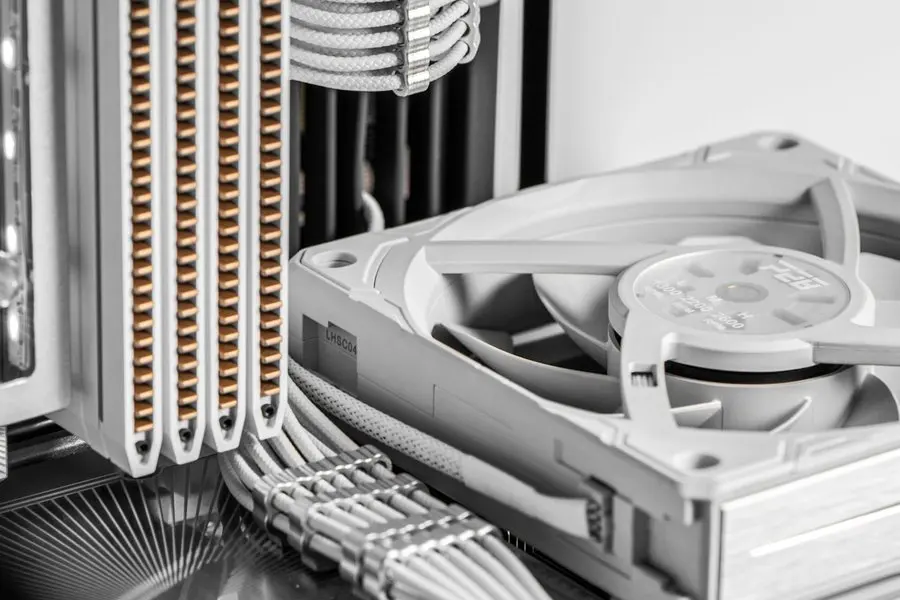
Two things argue for the shop. The first is a machine too slow or too tangled to hold a remote session together. The second is the dust. A screen share can't blow out a heatsink, and every job we check in gets that pass included whatever the tier: dust out of the inside, the case wiped down, a malware scan, and written notes on the machine's health. If the fan has been loud for a year, that's worth the trip on its own.
What slow means around the Quad Cities
Where you live changes what "slow" usually means. On Chino Valley acreage or out in Dewey-Humboldt, a rural internet connection can make a perfectly healthy computer feel ancient, and no cleanup will change that; when the network is what we find, that's what we tell you. Everywhere in the Quad Cities, though, the most common story stays the ordinary one: a computer past the 5-year mark, quietly reaching the point where replacing beats repairing.
One more local reality: when an older machine starts misbehaving after a summer of monsoon power blinks, the tune-up sometimes becomes a replacement conversation. Surges are hard on aging hardware, and the new machine gets a UPS so it doesn't happen twice.
“Niles is very knowledgeable in computer software and technology. He actively listened to us regarding some issues we had on our home computer. He explained everything clearly and offered viable and useful suggestions. Tek-Stop will be our first contact if we have any other questions or problems.”
Keep it from happening again

Our recommendation: OneStop Plus
Plus is the automated version of a tune-up: anti-malware, Windows patching and error monitoring running continuously, so the pile-up never gets a chance to build.
OneStop Plus is $50/month.
Prefer to try it yourself first?
Free guides from our Tech Tips
Written by the same techs who'd answer your call. No strings attached.
-
 How to Fix a Slow Computer (Without Buying Anything) The honest checklist we run on slow computers: startup queue, storage health, browser weight and the 'cleaner' apps making things worse. Free fixes first.
 -
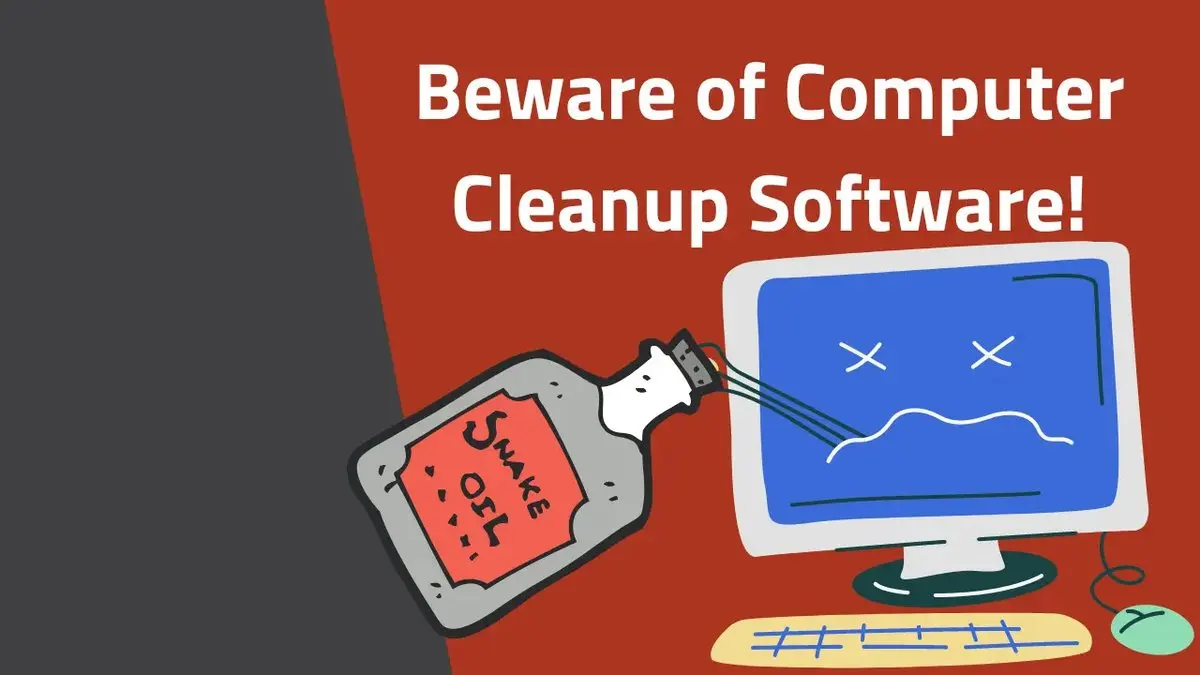 Computer Cleanup Software: The Snake Oil of the Tech Industry PC cleanup and 'speed-up' apps promise a faster computer and mostly deliver pop-ups. Why cleanup software is snake oil, and what actually helps.
Common questions
How much does a computer tune-up cost?
Our rate is $160 an hour with a 30-minute minimum for remote sessions, and a typical tune-up finishes in under an hour, so most run $80 to $160. On-site visits carry no trip fee and no diagnostic fee anywhere in the Quad Cities. If you'd rather drop the machine off at the Tek Shop, tune-ups there are flat-rate rather than hourly: Tek Standard, $160 however long the work takes. Full rates are on the pricing page.
How long does a tune-up take?
Usually under an hour, start to finish. Remote sessions typically run 30 to 60 minutes, and most happen the same day you call, often on the first call. On-site visits usually bundle the tune-up with whatever else is on your list and run 1 to 2 hours. A machine left at the shop waits its turn on the bench, so it is normally ready in 1 to 2 days.
Can you really do this without coming out?
Yes. A tune-up is one of the best remote jobs there is. You watch everything happen on your own screen, ask questions as we go, and the computer never leaves your house. Here's how a remote session works if you haven't done one before.
Do you tune up Macs?
Yes. Most of our clients run Windows, but we do Mac tune-ups too: the same checklist, adapted to macOS, whether we run it remotely, at your home or at the Tek Shop counter.
What if a tune-up won't fix it?
Then we tell you early, usually within the first half hour, not after the bill has grown. A machine that's 5 or more years old, or where the fix costs more than about 30% of a replacement, is usually a replacement conversation; you pay for the time spent, and we never keep the clock running without telling you. When replacement is the answer, new computer setup makes the move painless.
Will you install a registry cleaner or PC optimizer?
Expect the opposite. Registry cleaners and their "optimizer" cousins range from useless to actively harmful in our experience, and a tune-up is far more likely to remove one than to add one. Anything such an app legitimately promises is already part of the tune-up itself, handled by a person with judgment.
Could the slowness be a virus?
Sometimes; that's why a full malware scan is step two on the checklist. Adware and bad browser extensions are the third most common cause of slowness we find. If it turns out to be a genuine infection, you hear what we found before we do anything else, and the cleanup usually happens in the same session.
Would more memory or an SSD fix it instead?
Often, yes. A slow spinning hard drive holds back many older machines, and swapping it for an SSD transforms them. We supply and install both: SSDs typically run $150 to $250 in parts, with 1 to 2 hours of labor depending on how much data moves. The tune-up is where we tell you whether the upgrade is worth it for your particular machine.
How often should a computer be tuned up?
There's no schedule taped to our wall: a machine earns a tune-up when it starts dragging, or never, if the maintenance runs automatically. That's what OneStop Plus is for. The same upkeep runs year-round (malware protection, patching, error monitoring), with unlimited remote support when a question comes up.
My internet feels slow too. Which do I fix first?
Let us figure that out before you spend anything. Internet and WiFi trouble is the second most common thing we find behind a "slow computer" call, so we take that question seriously from the start. If the WiFi turns out to be the real problem, we tell you plainly and steer you toward the network fix rather than a cleanup that was never going to help.
We provide computer tune-up for homes throughout Prescott, Prescott Valley, Chino Valley and Dewey-Humboldt. We also work by phone and remote, nationwide.
In your home
Prescott, Prescott Valley, Chino Valley, Dewey-Humboldt (Arizona's Quad Cities).
By phone & remote
Remote support and OneStop Memberships reach all 50 states.
At our counter
Drop-off repairs at the Tek Shop in Prescott, Monday–Friday, 8am–5pm.
Get Connected. Stay Supported.
Ready to be done with this?
Call now. If it's remotely fixable, it can be handled today.
Call TekStop at (928) 583-4454 Monday–Friday, 8am–5pm. Closed all federal holidays and Black Friday.
After hours, you'll get an emergency option. Emergency work is billed at $320/hour.