“My computer won't start”
Computer repair in Prescott
We fix Macs and PCs at your kitchen table, you can bring one to the Tek Shop in Prescott instead, and when the trouble turns out to be software we can often sort it the same day in a remote session. Looking at it costs nothing whether we come out or you bring it in, and you'll hear what failed and what the fix costs before any work starts.
Any of this sound like your week?
- It won't turn on, or it turns itself off
- Blue screen, endless restart loop, strange clicking noises
- The screen is cracked, dim or flickering
- It's suddenly running slow, dramatically slower than last month
- 'No bootable device', or a black screen with a blinking cursor
- You spilled something. It happens. Call quickly.
A standard computer repair visit is $160/hour with a 1-hour minimum, with no trip fee and no diagnostic fee anywhere in the Quad Cities, from Prescott out to Dewey-Humboldt. Remote sessions bill at the same rate with a 30-minute minimum, so a small software fix can be an $80 call. At the Tek Shop counter, labor is a flat price set by what the job needs rather than by the hour. On-site, you'll have a plain-English action plan within the first 30 minutes, and on complex problems we check in before spending more billable time.
Most repair visits run 1–2 hours at $160/hour, and if the machine isn't worth fixing, we say so before the clock runs long.
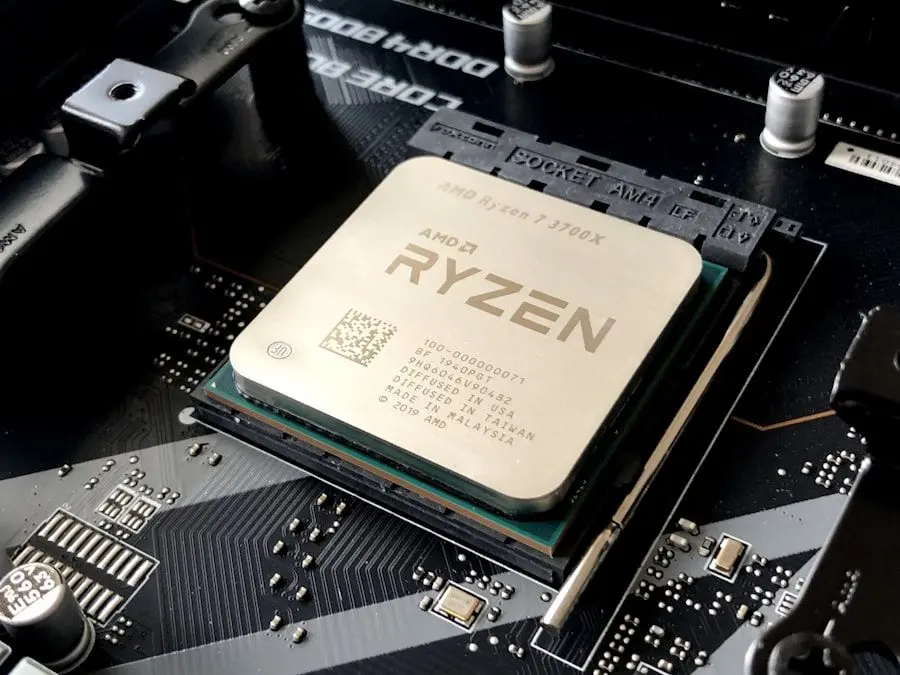
What we actually do
How this gets fixed
-
We diagnose in front of you
No bench fee and no jargon. We tell you what failed, what fixing it costs, and whether the machine is worth fixing at all.
-
We can usually get the files
If the machine is past saving, the photos and documents on it usually aren't. Pulling them off a failing or dead drive is basic data recovery we offer alongside repair, and we'd rather help you set up a real backup afterward than meet the same emergency twice.
-
We fix it, or we say so
When no parts are needed, 99% of service calls finish in a single visit. When a part has to be ordered, usually a drive or memory, you're typically back up and running in 2–3 days, not weeks.
A surprising share of 'broken computer' calls turn out to be software, and get diagnosed (often fixed) in a remote session the same day you call. When it's genuinely hardware, we come to you, or you can bring the machine to the Tek Shop and pay one flat price rather than the hourly rate.
Most repairs don't need parts
The plain truth about computer repair is that we rarely replace parts. The biggest share of our repair calls are email and printers that stopped working after an update, new computers replacing dead ones, and malicious pop-up cleanup. All of that gets fixed in front of you, with nothing ordered.
When hardware genuinely has failed, the usual culprits are the storage drive and the memory. A failed drive can turn the repair into an upgrade: an SSD is often the cheapest way to put speed back into an older machine. Parts we have to order typically mean a 2–3 day wait.
Most of our clients run Windows, so Windows machines make up the bulk of the work. We handle Apple laptops and desktops too, and we've even replaced the storage inside a Microsoft Surface.
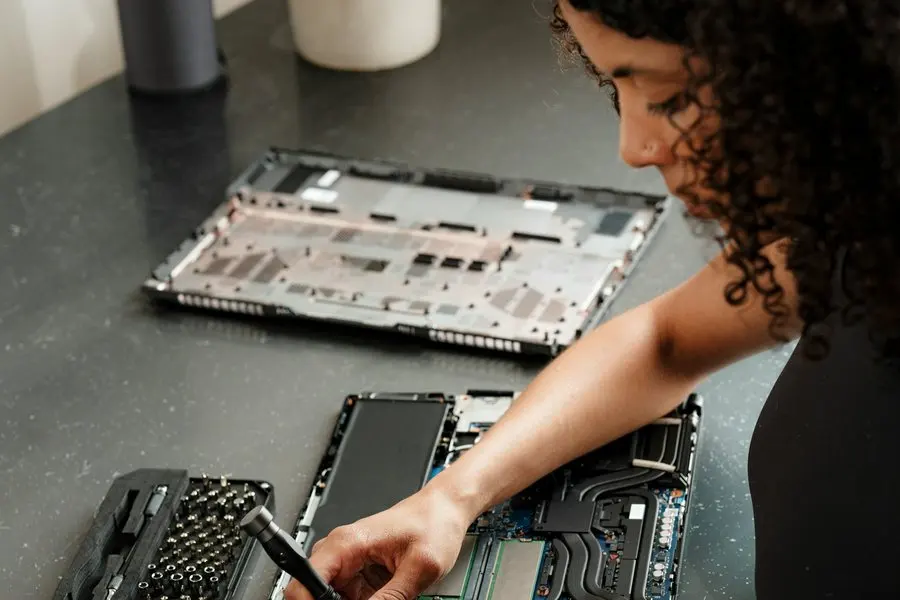
Is the computer broken, or is the internet broken?
Plenty of 'my computer is broken' calls are really 'my internet is broken'. Pages won't load and email won't send, but the machine boots fine and programs open normally. After plain old age, a connection problem is the most common cause of a slow computer we actually find.
We sort out which one you have before you pay to fix the wrong thing. If the machine checks out and the connection doesn't, it becomes a WiFi and networking visit instead. Our guide to telling whether your internet is actually down is a good self-check in the meantime.
Mac repair without the drive to Phoenix
The nearest Apple Store is in the Phoenix area, a half-day round trip. We work on Macs in your home instead: repair, tune-ups, virus removal, backups including Time Machine, and new-Mac setup.
Macs are the smaller share of our work, but a regular one, handled start to finish at your kitchen table. iPhones and iPads we support and set up; hardware repair on phones and tablets we leave alone.
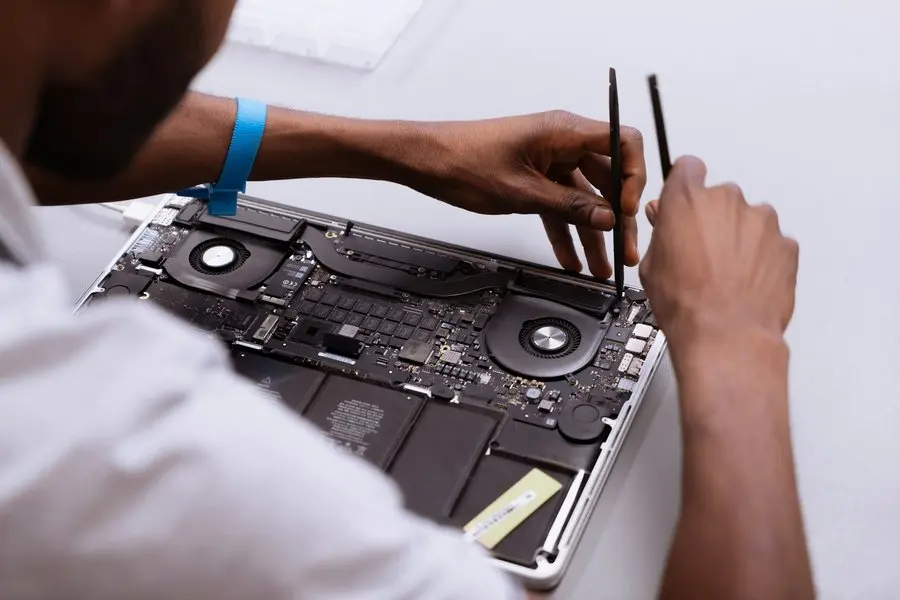
Laptop repair in Prescott
Laptop repair is most of what we do. Cracked, dim and flickering screens, failing drives, memory, overheating and a machine that will not power on at all are all routine work, and none of it needs to leave your kitchen table unless you would rather it did.
The honest part comes before the repair. On an older laptop the repair-or-replace maths turns quickly, and a screen or a board can cost more than the machine is worth. We tell you which side of that line you are on before anything is ordered, and if the answer is replace, we will help you pick the next one and move everything across.
You can bring a laptop to the Tek Shop instead, where labor is a flat price and every checked-in machine gets cleaned inside and out before it goes home.
What's included in a computer repair visit
Every visit runs on one rule: you always know what the clock is doing. In practice, that means:
- Diagnosis at your kitchen table, in front of you, with nothing charged for looking
- A plain-English action plan inside the first half hour
- Basic data recovery when files need to come off a dying drive
- The fix itself: drive or memory replacement, or the reconfiguration most 'repairs' turn out to be
- A straight repair-or-replace call when the machine is 5+ years old or the fix costs more than about 30% of replacing it
- On complex problems, a check-in before the bill grows; we never run the clock without telling you
Bring it in, or keep it at home
There are three ways to get a computer fixed here. When the fault turns out to be software, a remote session often settles it the same day without anyone driving anywhere. The other two are hands-on. The Tek Shop is at 3741 Karicio Ln, Ste #2 in Prescott, and it runs on flat prices instead of the clock. At your kitchen table you pay $160 an hour and watch every step. At the shop you agree the number before you hand the machine over. Pick whichever suits the week you're having.
Whatever a checked-in machine came in for, it goes home cleaner than it arrived. The concierge check-in is included at no extra charge: dust blown out of the inside, the outside wiped down, a malware scan, and written recommendations on the machine's health. Counter work is the one exception, because it's finished while you wait and never gets checked in.
Most repairs land in one of two flat tiers. Tek Standard, $160, covers boot and startup repairs, tune-ups and accessible hardware like RAM or a straightforward SSD. Tek Core, $240, covers malware cleanup, operating system repair, drive replacement with your data carried across, laptop batteries, power supplies and laptop screen replacement. Liquid damage and board-level diagnosis are Tek Advanced, $320. A password reset or a bad cable is Tek Counter, $40, done while you wait. The tier is set by what the job needs rather than how long it takes, so a stubborn Core job that runs two days still bills at $240.
Parts sit on top of the labor price. We order and sell them ourselves, so there's a markup on them, and you see the number before anything is ordered. Repairs that need no ordered parts run 1 to 2 days; when a part has to come in, it's under a week. In-home is still the better call when the computer isn't the only thing involved: a desktop wired into a desk full of peripherals, or a machine that has to be tested against your own printer and network before anyone calls it fixed.
House calls across Prescott, Prescott Valley and the Quad Cities
Nobody in Dewey-Humboldt should have to unplug a desktop and live without it for days because that was the only way to get help. So we come to you, and a house call in Chino Valley costs exactly what one in downtown Prescott does. Computer repair in Prescott Valley is priced the same, newer subdivisions and all, and here is exactly how that pricing works.
Monsoon season has its own pattern here: summer power surges are hard on older machines, and every year some don't survive. When one of them is yours, we replace the computer and put a UPS battery backup on the new one so the next storm is a non-event.
TekStop has been doing computer repair in Prescott since 2017, with more than 800 clients served and a 5.0-star rating across 185 Google reviews. The person at your door is one of two people: owner Niles Benghauser or technician Joshua Jackson, both background-checked and CompTIA A+ certified.
It won't power on at all
The computer that wouldn't turn on
A client's aging computer wouldn't power on at all. We diagnosed it in their home and found a dead motherboard, one of the few failures that genuinely isn't worth fixing on an older machine.
Instead of selling a repair, we applied our usual rule: past 5 years old, or past about 30% of replacement cost, the honest answer is a new machine. We quoted a replacement and ordered it. The new system was fully up and running within a week of the first call.
“Niles did a swift repair of my old Toshiba laptop. It had many issues that I couldn't resolve myself. I would highly recommend TEKSTOP Computer Repair.”
Keep it from happening again

Our recommendation: OneStop Plus
Repair calls are so often really software calls that Plus is the natural fit: its anti-malware, Windows patching and error monitoring catch small software problems early, while they're still remote-session sized.
OneStop Plus is $50/month.
Prefer to try it yourself first?
Free guides from our Tech Tips
Written by the same techs who'd answer your call. No strings attached.
-
 When Should I Replace My Computer? The honest repair-or-replace math from people who profit either way: what's worth fixing, what isn't, and the one upgrade that buys old machines years.
-
 The Real Cost of a Slow Computer Five minutes of waiting, several times a day, every day. The arithmetic on what a slow computer actually costs a household, and the cheap ways out of it.
Common questions
How much does computer repair cost in Prescott?
Our rate is $160/hour with a 1-hour minimum for on-site work; there's never a trip fee or a diagnostic fee. A typical visit runs 1–2 hours plus the cost of any parts, and remote sessions are billed at the same hourly rate with a half-hour minimum. After-hours emergency help is available at $320/hour. Shop repairs aren't billed by the hour at all: labor at the Tek Shop is a flat price set by what the job needs.
Do you charge for computer diagnostics?
There is no separate diagnostic fee and no bench fee. Computer diagnostics happen in front of you as part of the visit, on the same $160/hour clock as the repair, and our rule is that you have a plain-English action plan within the first half hour. If the honest answer is that the machine is not worth fixing, you hear that then rather than after two hours of billing. The same rule holds at the Tek Shop: finding out what's wrong costs nothing, and the flat price you agree to is for the work itself.
How long does a repair take?
Most computer repairs need no parts at all, and those finish in a single visit, usually 1–2 hours; it's rare for us to have to come back. If something does have to be ordered, typically a storage drive or memory, most clients are back up and running in 2–3 days.
Can you fix my computer without coming to my house?
Often, yes. About 75% of the issues we see are solved in the first session, and many of those are remote sessions handled the same day. Genuine hardware failures need hands-on work: either a visit to you, with no trip fee, or a drop-off at the Tek Shop.
Do you repair Macs?
Yes, in your home, with no half-day drive to Phoenix required. Mac repair, tune-ups, virus removal, Time Machine backups and new-Mac setup are all covered. Hardware repair on iPhones and iPads is not, though we're glad to help with their setup and support.
What happens if it can't be fixed?
You pay the hourly rate for the diagnosis time, and you'll know early in the visit exactly what we found and what we recommend. If the machine isn't worth saving, we help you pick a replacement, and our new computer setup service handles the whole switch.
My computer won't turn on at all. Is everything on it lost?
Usually not. Even when a computer is well and truly dead, the drive inside frequently still reads, and getting your files off it is basic data recovery we handle routinely. The sooner you stop trying to revive it yourself, the better the odds.
Should I repair it or replace it?
Our rule is simple: at 5+ years old, or when a repair would cost more than about 30% of replacing the machine, we recommend replacement, and we tell you before the repair, not after. Our guide on when to replace your computer walks through the math.
Do you do laptop repair?
Yes. Laptop repair is most of what we do, at your kitchen table or at the Tek Shop. Cracked, dim and flickering screens, drives, memory, overheating and won't-power-on faults are all routine, and we tell you plainly whether a part is worth ordering, because on an older laptop the repair-or-replace math deserves a hard look first. Drives and memory are the parts we replace most often.
My computer is just running slow. Is that a repair?
Usually not, and we won't bill it like a computer repair. The causes we find most, in order: the machine is old enough to replace, the internet connection is the real problem, or bloatware and bad browser extensions have piled up. That usually points at a computer tune-up, often an $80–$160 remote session, rather than a hardware repair.
Do you fix game consoles or phones?
We don't do hardware repair on consoles, phones or tablets. We're glad to help with the software side of them, from account problems to getting the thing onto your WiFi and working.
Can I just buy the replacement computer through you?
Yes. We shop for, deliver, install and set up computers as part of the job, so a repair that turns into a replacement doesn't turn you into a laptop researcher overnight. Setup on a machine bought through us is a fixed $400, one service call end to end.
We provide computer repair for homes throughout Prescott, Prescott Valley, Chino Valley and Dewey-Humboldt. We also work by phone and remote, nationwide.
In your home
Prescott, Prescott Valley, Chino Valley, Dewey-Humboldt (Arizona's Quad Cities).
By phone & remote
Remote support and OneStop Memberships reach all 50 states.
At our counter
Drop-off repairs at the Tek Shop in Prescott, Monday–Friday, 8am–5pm.
Get Connected. Stay Supported.
Ready to be done with this?
Call now. If it's remotely fixable, it can be handled today.
Call TekStop at (928) 583-4454 Monday–Friday, 8am–5pm. Closed all federal holidays and Black Friday.
After hours, you'll get an emergency option. Emergency work is billed at $320/hour.