“The computer died and everything is on it”
Data recovery in Prescott
"Lost" files aren't always gone. Sometimes they're sitting on a drive that still reads, inside a computer that doesn't. We do basic recovery at your kitchen table, and if your case needs more than that, we tell you on the phone before you've spent anything.
Any of this sound like your week?
- I deleted a folder, and then emptied the recycle bin
- The computer won't turn on and twenty years of photos are inside
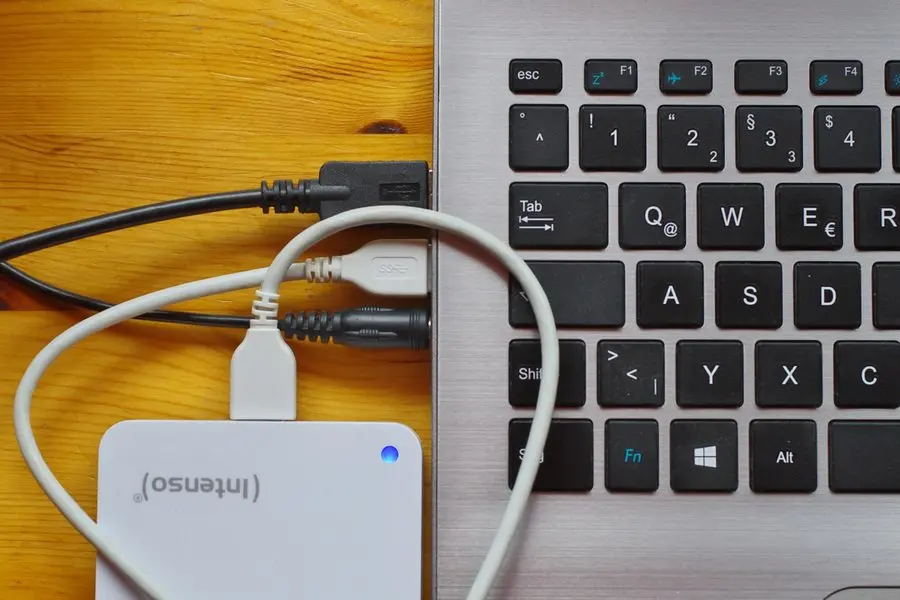
- My external drive isn't showing up when I plug it in
- Windows says the drive needs to be formatted before I can use it
- Everything freezes whenever I open one particular folder
- The drive is making a noise it never made before
A standard visit is $160/hour with a 1-hour minimum, no trip fee anywhere in the Arizona Quad Cities, and no diagnostic fee. If what you describe on the phone sounds like a physically damaged drive, we say so right then, at no charge, instead of billing you a visit to hear bad news.
Most recoveries run 1 to 2 hours at the standard $160/hour. The sooner the drive stops being used, the better the odds.
What we actually do
How this gets fixed
-
We sort out what kind of case this is
A short phone call, free, about what died and what the files mean to you. If yours is a case basic recovery covers, we take it. A dropped or clicking drive needs a cleanroom lab we don't have, and we say so before you've spent a dollar.
-
We copy first and fix later
The files come off before anything else gets touched. A failing drive gets one good chance, so we spend it moving your photos and documents onto healthy storage, not on repair experiments that burn up the drive's remaining hours.
-
We hand them back where you'll use them
We copy everything to its new home, and you open the files yourself, at the keyboard, before we wrap up. Then we'll show you what a backup would have cost, which is less than this visit.
Deleted-file jobs on a computer that still runs are often handled remotely, same day. A dead computer, or any drive that has to be physically pulled, is an in-home visit, and with a failing drive, we'd rather be in the room anyway.
What we recover, and what we don't
Basic recovery covers three situations: files you deleted and now need back, a drive that's failing but still readable, and a drive inside a computer that died around it. Between them, that's nearly everyone who calls.
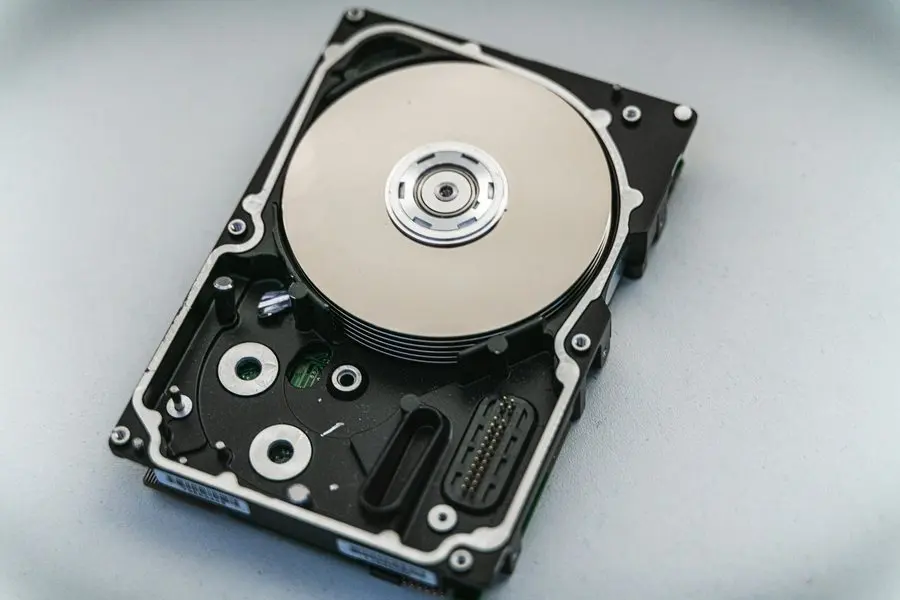
What we don't do is cleanroom work. A dropped or clicking drive with damaged platters needs a specialty lab and equipment we don't own, and rather than charge you a visit to learn that, we tell you on the phone, for free, which kind of case yours sounds like. Physically damaged drives are rare; most calls turn out better than people fear.
Sometimes the drive was never the problem at all; the computer just failed around it. That becomes a computer repair visit, or, if the machine is past our five-year replace mark, a replacement conversation. Either way, your files ride along.
What a recovery visit includes
The same billing culture as every TekStop visit applies here: an action plan inside the first 30 minutes, communicated before deeper billable work, with check-ins on anything stubborn. We never run the clock without telling you. The work itself:
- A free scope check on the phone before you commit to anything
- An action plan within the first 30 minutes on-site
- The drive pulled from the dead machine and read on known-good equipment
- Your files copied to wherever you'll actually use them: new computer, external drive, or cloud
- A verify pass with you at the keyboard: open the photos and documents before we call it done
- The old drive securely wiped afterward, or physically destroyed if it's beyond use
- A backup put in place so you never need this page again
Why we still like coming to you for this
Monsoon season sends us these calls in batches: a power surge finishes off an older machine mid-storm, and the tower that won't turn on the next morning is a Quad Cities summer regular. The machine gets the replacement conversation, but a surge that kills a computer doesn't always take the drive with it. When it still reads, we move its contents to the new computer and protect the replacement with a UPS.
The rest of the year, it's geography. Unplugging a dead desktop in Dewey-Humboldt and doing without it for days is a real cost, and from the acreage places out in Chino Valley the drive in and back is a real trip. So we come to you, anywhere in Prescott, Prescott Valley, Chino Valley and Dewey-Humboldt, and the whole job happens at your table, in front of you, which is exactly where the only copy of your photos should stay.
And when the machine that died is past our five-year replace mark, we won't talk you into repairing it. The recovery simply becomes step one of the new computer's setup, with the rescued files landing on the machine that replaces it.
Bringing the drive to us
From November 1, 2026 a dead machine can come to the Tek Shop instead of waiting for an appointment, and on this page that can matter more than anywhere else: the sooner a failing drive stops being used, the better the odds. Logical recovery, meaning deleted files, a drive that still reads, or a drive pulled out of a computer that died around it, is Tek Core, $240 flat.
The boundary doesn't move with the address. A drive with damaged platters still needs a specialty cleanroom lab, which isn't something we run, and you still hear that on the phone at no charge rather than after a visit. Most calls turn out better than that.
The reason we still like coming to you is the verify pass. Opening your own photos, on your own machine, with you at the keyboard is how a recovery gets called finished, and that's easier at your table. Either way, the old drive is wiped or destroyed only once you've confirmed the files are back.
The expensive way to learn you needed a backup
Here's the arithmetic we'd rather you never meet. Carbonite, the cloud backup we install when Microsoft 365 and OneDrive don't fit, runs about $96 a year plus tax. A single recovery visit at $160/hour costs more than a year of the backup that would have made it unnecessary, and that's when the recovery works.
When it doesn't work (the dropped drive, the damaged platters), the files are simply gone unless a specialty lab gets involved, and that's territory we don't work in. So the day your files come back is the best day to protect them: two automatic copies, one local and one in the cloud. Most households' first upload finishes far faster than they expect, and setting it up is a single session. We'd rather never see you on this page twice.
Keep it from happening again

Our recommendation: OneStop Plus
OneStop Plus is this page's prequel: its error monitoring watches for the warnings a failing drive throws before it dies, so the next rescue happens while the files still read.
OneStop Plus is $50/month.
Prefer to try it yourself first?
Free guides from our Tech Tips
Written by the same techs who'd answer your call. No strings attached.
Common questions
How much does data recovery cost?
$160/hour with a 1-hour minimum on-site, no trip fee, no diagnostic fee, and most visits run 1 to 2 hours. Deleted-file jobs on a computer that still runs can often go remote, where the minimum is 30 minutes at $80. Everything we charge is on the pricing page.
I emptied the recycle bin. Are my files really gone?
Usually not yet. Deleting mostly tells the computer that space can be reused, and the contents linger until something overwrites them. Stop using the machine, and resist installing recovery software yourself, since anything you install writes to the very drive you're trying to rescue. These are often quick remote jobs.
The computer is dead. Can you still get my files off it?
Quite possibly. A computer that won't turn on hasn't necessarily taken its drive down with it; drives from dead machines are one of the three cases basic recovery covers. We pull the drive and copy everything to a healthy destination. If the machine is being replaced, the files land straight on the new one during a new computer setup.
My external drive isn't showing up. Is it dead?
Not necessarily. Something as small as a loose cable or a drive-letter mix-up causes a share of these calls, and those are quick fixes. If the drive really is failing but still readable, we copy everything off before touching anything else. Whatever you do, stop plugging it in and out to test it; if it's dying, every spin-up counts.
The drive is making a clicking noise. Can you fix it?
Honestly, no. Clicking or grinding usually means mechanical failure inside the drive, which is cleanroom lab work we don't do and won't pretend to. Power it down and leave it down, but do call and describe it: hearing "that's a lab case" from us costs nothing, and sometimes the noise turns out to be a fan.
How long does it take?
Usually a single visit, and copying a full drive can take longer than the hands-on work. On a long transfer we keep checking in before spending more billable time, and either way you'll know the plan and the likely bill inside the first 30 minutes.
Can you do this remotely, or do you have to come out?
Deleted files on a machine that still runs are good remote session work, often the same day you call. A dead computer, or any drive that needs to be physically pulled, is an in-home visit anywhere in the Quad Cities, without a trip fee.
Do you work on Macs?
Yes, in your home, which matters here: the nearest Apple Store is a half-day round trip to the Phoenix area. If a Mac is failing but still limping along, we get the files off before it quits for good, then set up Time Machine so there's never a next time.
What happens if you can't get my files back?
You pay the hourly rate for the time spent. That's the honest policy, and we know "no fix, no fee" reads better in an ad. What we promise instead: if your description on the phone already tells us it's beyond basic recovery, you hear that for free.
How do I make sure this never happens again?
Two automatic copies: a local one for fast recovery, a cloud one for disasters. For most households that's OneDrive through Microsoft 365, or Carbonite at about $96 a year when that doesn't fit. Data backup takes one session to set up.
We provide data recovery for homes throughout Prescott, Prescott Valley, Chino Valley and Dewey-Humboldt. We also work by phone and remote, nationwide.
In your home
Prescott, Prescott Valley, Chino Valley, Dewey-Humboldt (Arizona's Quad Cities).
By phone & remote
Remote support and OneStop Memberships reach all 50 states.
Get Connected. Stay Supported.
Ready to be done with this?
Call now. If it's remotely fixable, it can be handled today.
Call TekStop at (928) 583-4454 Monday–Friday, 8am–5pm. Closed all federal holidays and Black Friday.
After hours, you'll get an emergency option. Emergency work is billed at $320/hour.