“We just moved in and nothing is connected”
Whole-home tech setup in Prescott
A house full of technology is really one system wearing fifteen disguises, and every piece of it depends on the network underneath. We design and install that backbone, then hand you a home where things just work, with one number to call when they don't.
Any of this sound like your week?
- Just moved in and the box pile is winning
- The internet works, but only in the room where the router landed
- A drawer of old routers and extenders, and no idea which ones still matter
- You're still paying monthly rent on a provider gateway you don't need
- The builder left a bundle of wires in a closet with no explanation
- A monsoon power blink already took out something expensive
- You want it set up right once, not fiddled with every weekend
A standard visit is $160/hour with no trip fee and no diagnostic fee; your time starts when your technician is dispatched, so you pay for the drive out, one direction only, never both. Full network installs start with a consult of about an hour and are quoted fixed-price, typically around $2,000 give or take, depending on the house and equipment count. Smaller jobs usually run 2–3 hours plus equipment, $500–$1,000 all-in.
Full installs are quoted fixed-price after an hour-long consult; smaller jobs bill hourly and usually finish in 2–3 hours.

What we actually do
How this gets fixed
-
We walk the house and quote it
About an hour on-site: floor plan, wall construction, where you work and watch, and what your internet plan actually delivers. You get a written fixed-price quote, and nothing is ordered until you say yes.
-
We order, deliver and install
We shop for the equipment, bring it to you, and build the backbone: router, controller, access points hardwired where possible, switches where the wired gear lives. Licensed partners handle anything that needs a license, coordinated by us.
-
We reconnect everything and prove it
Every existing device joins the new network, from computers and TVs to printers and phones, and you walk the rooms with us, watching it work. Old routers and extenders come down, and the passwords get written down where you'll find them.
Setup work is in-home by nature: everything from the consult to the final walkthrough happens at the house. Once everything is in, most later questions are solved by phone or a quick remote session.
The backbone comes first
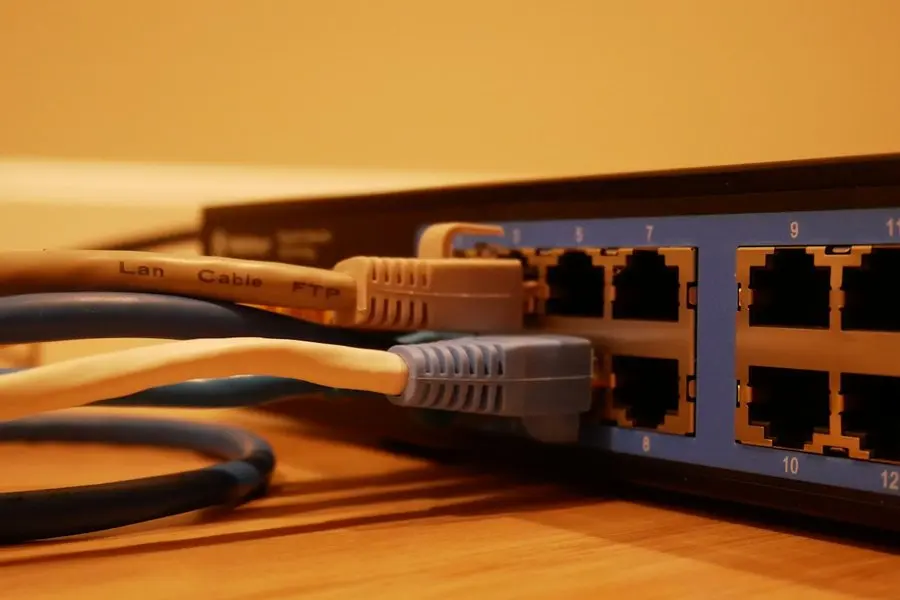
Everything in a modern house, from the TVs and laptops to the cameras and the doorbell, rides on one network and inherits every weakness that network has. So we build that layer first: a proper router, a controller to manage it, access points hardwired wherever the house allows, and switches where the wired devices cluster. Our standard install is TP-Link Omada gear, for an unexciting reason: it's reliable, reasonably priced, and doesn't force a complicated setup on a home that doesn't need one.
This page is about that backbone. The devices that live on top of it, the doorbells and thermostats and cameras, are their own layer, covered under smart home setup. And if you're not starting fresh but rescuing coverage in a house you already live in, WiFi & networking is the better door to walk through.
What's included
Every house is different, but a full setup covers the same ground. The honest itemized version:
- About an hour walking the house with you: floor plan, wall construction, what your internet plan actually delivers
- A written fixed-price quote; nothing gets ordered until you approve it
- Equipment shopped for, ordered and delivered by us
- Router, controller and switches installed and configured
- Access points hardwired wherever possible, mesh only where the house says no
- Every existing device reconnected: computers, TVs, printers, phones
- Old routers, extenders and rented gateways unhooked
- Passwords recorded somewhere findable, and a room-by-room walkthrough before we leave
The just-moved-in week
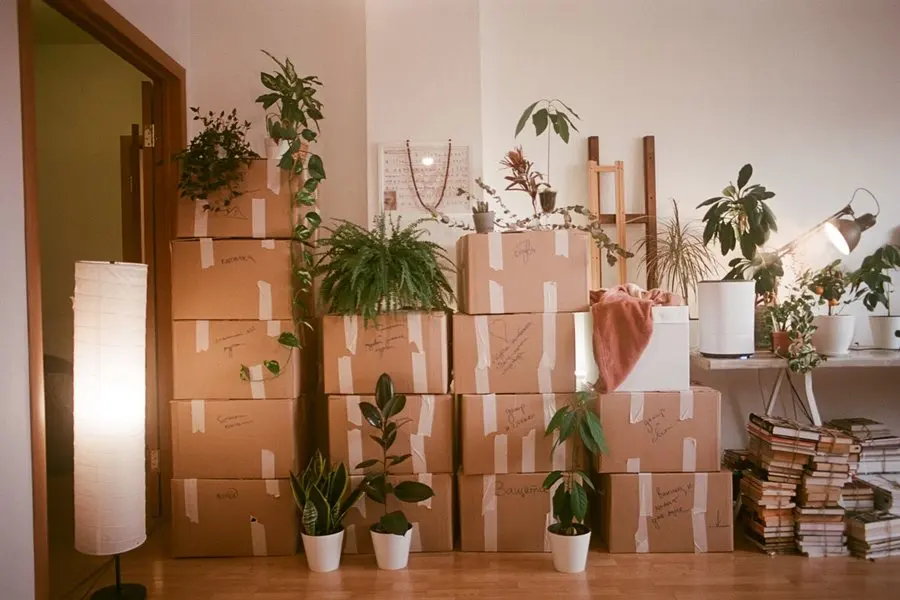
The moving-truck week is when most of these calls start: the internet got activated, the router landed on a kitchen counter, and the box pile holds three old routers from two houses ago. We sort what gets installed and what gets retired, including which box is the provider's rented gateway, so you can send it back and stop paying for it. A new house is the one chance to place the network right before the furniture hides the problem spots.
The part clients seem to value most is that we make the phone calls. When new equipment needs activating, we call the provider, sit through the hold music, and translate the answers into plain English. If you're still choosing a provider, Sparklight is the most common among our clients and our current local recommendation, largely because their support is actually reachable; our notes on the best internet provider in Prescott go deeper.
Surge protection, learned the hard way
Every monsoon season we replace equipment that a power surge killed, usually older machines that were one storm from the end anyway. When we replace what a storm took, the new machine gets a UPS: a battery-backed outlet costs a fraction of what it protects, and it turns a summer power blink into something the equipment rides through rather than a shopping trip.
Why this one stays at the house
Almost none of this work can happen at the Tek Shop, and it's worth being direct about that. A backbone is designed against a floor plan: where cable can run, which walls kill a signal, where the wired devices cluster. We can configure a router and a controller on the bench before install day, and often do, but the job itself is the building.
That holds for the network hardware too. A router or a switch is configured against your service and your floor plan, so it is in-home work at $160 an hour rather than something to drop at the counter. The placement, the hardwiring and the walkthrough all happen at the house, which is where the result gets judged anyway.
Around the Quad Cities
We do this work on-site across Prescott, Prescott Valley, Chino Valley and Dewey-Humboldt, with no trip fee to any of them.
The houses shape the job more than the town line does. Walls that soak up WiFi are why we hardwire access points instead of asking one router to shout through them, and a wide floor plan turns coverage into a placement problem. In Chino Valley the network often has to reach a shop or casita, and a building-to-building wireless link across a few hundred feet of the same property is routine work for us. In Dewey-Humboldt we plan the whole setup around what the connection actually delivers, including configuring the network behind a Starlink dish once it's up.
My modem won't get security updates anymore
The modem that aged out
A client's modem maker announced end-of-life for their model: no more security updates. Nothing was broken; the box was just quietly becoming a risk. We ordered the replacement, delivered it, called the provider on the client's behalf to activate it, and reconnected every WiFi device in the house.
Mid-visit, the provider happened to have an outage. It was unrelated to the swap, but you can't prove a new modem works during an outage. So we called the provider, explained to the client exactly what was and wasn't wrong, and followed up by phone later to confirm everything was working. That follow-up call is the part of the job an invoice never quite captures.
“Niles, TekStop owner, was fast, professional, pleasant and helpful (and patient with me, a "non-techie"). He installed a new router, hooked up my new computer, made sure everything was working properly and showed me how to use my new system. I couldn't be more pleased and would use this company again in a heartbeat!!”
Keep it from happening again

Our recommendation: OneStop Plus
We build the backbone; Plus keeps what rides on it healthy, with patching, error monitoring and anti-malware running quietly, plus 20% off any labor after. Setup day is the best day to start.
OneStop Plus is $50/month.
Prefer to try it yourself first?
Free guides from our Tech Tips
Written by the same techs who'd answer your call. No strings attached.
-
 How to Set Up Your WiFi Router (The Way a Technician Would) A plain-English router setup guide: placement, naming, passwords, guest networks and the three settings that matter, minus the jargon.
 -
 Child Online Safety: A Realistic Guide for Parents Parental controls that survive contact with a clever 12-year-old, the settings worth using, and why the WiFi router is your strongest ally.
Common questions
How much does whole-home tech setup cost?
Two shapes. A full backbone install is a fixed-price quote, typically around $2,000 give or take; smaller jobs bill at $160/hr and usually total $500–$1,000 including equipment. No trip fee, no diagnostic fee; the rest of the numbers live on the pricing page.
How long does it take?
The consult is about an hour. Once equipment arrives, the install is almost always a single visit; by install day the parts are already in hand. Smaller jobs run 2–3 hours end to end.
Can you do any of this remotely?
The install itself is in-home by nature; someone has to place hardware and walk the rooms. Afterward, nearly everything is phone or remote work: remote sessions start at $80 for a half hour, and most run 30–60 minutes.
We're a Mac and iPhone household. Is that a problem?
Not at all. Most of our clients run Windows, but we set up Macs too, and we handle iPhone and iPad setup and support (support, not hardware repair). The network underneath doesn't care either way.
What if something can't be made to work?
You'll know early. On hourly work we have an action plan within the first 30 minutes and tell you what it is, and on anything complicated we check in before spending more billable time. If a device genuinely can't be made to cooperate, you pay for the time spent. We never run the clock without telling you.
Do you mount TVs or run cable through walls?
No, that's where a contractor's license starts. Licensed local partners handle mounting, in-wall wiring and low-voltage runs, and we coordinate them as part of the job. Everything on the network side of that line is ours.
Do you set up doorbells, thermostats and cameras too?
Yes, as its own layer: our smart home setup service covers Ring, Nest, Alexa and Apple devices, and it works best on top of a network built to carry them. Plenty of clients book both as one plan.
Can you deal with the internet provider for me?
Yes, it's half of what makes this a concierge service. We call the provider to activate new equipment, then translate whatever they said into plain English. You're welcome on the call, or welcome to skip it.
What equipment do you install?
Our standard install is TP-Link Omada: router, controller, access points and switches, with the access points hardwired wherever the house allows. When a single good router genuinely covers the house, that's what we install instead.
Will you teach us how to use it all?
The walkthrough before we leave is included: you drive while we narrate, and the passwords end up written down. For a deeper sit-down on the phone, the printer or anything else, tech training books at the same standard rate.
What happens after the install?
One number to call. Most post-setup questions are quick phone or remote fixes, and OneStop Standard at $35/mo makes those calls free and unlimited. The day everything finally works is the natural day to start.
We provide whole-home tech setup for homes throughout Prescott, Prescott Valley, Chino Valley and Dewey-Humboldt.
In your home
Prescott, Prescott Valley, Chino Valley, Dewey-Humboldt (Arizona's Quad Cities).
By phone & remote
Remote support and OneStop Memberships reach all 50 states.
Get Connected. Stay Supported.
Ready to be done with this?
Call now. If it's remotely fixable, it can be handled today.
Call TekStop at (928) 583-4454 Monday–Friday, 8am–5pm. Closed all federal holidays and Black Friday.
After hours, you'll get an emergency option. Emergency work is billed at $320/hour.