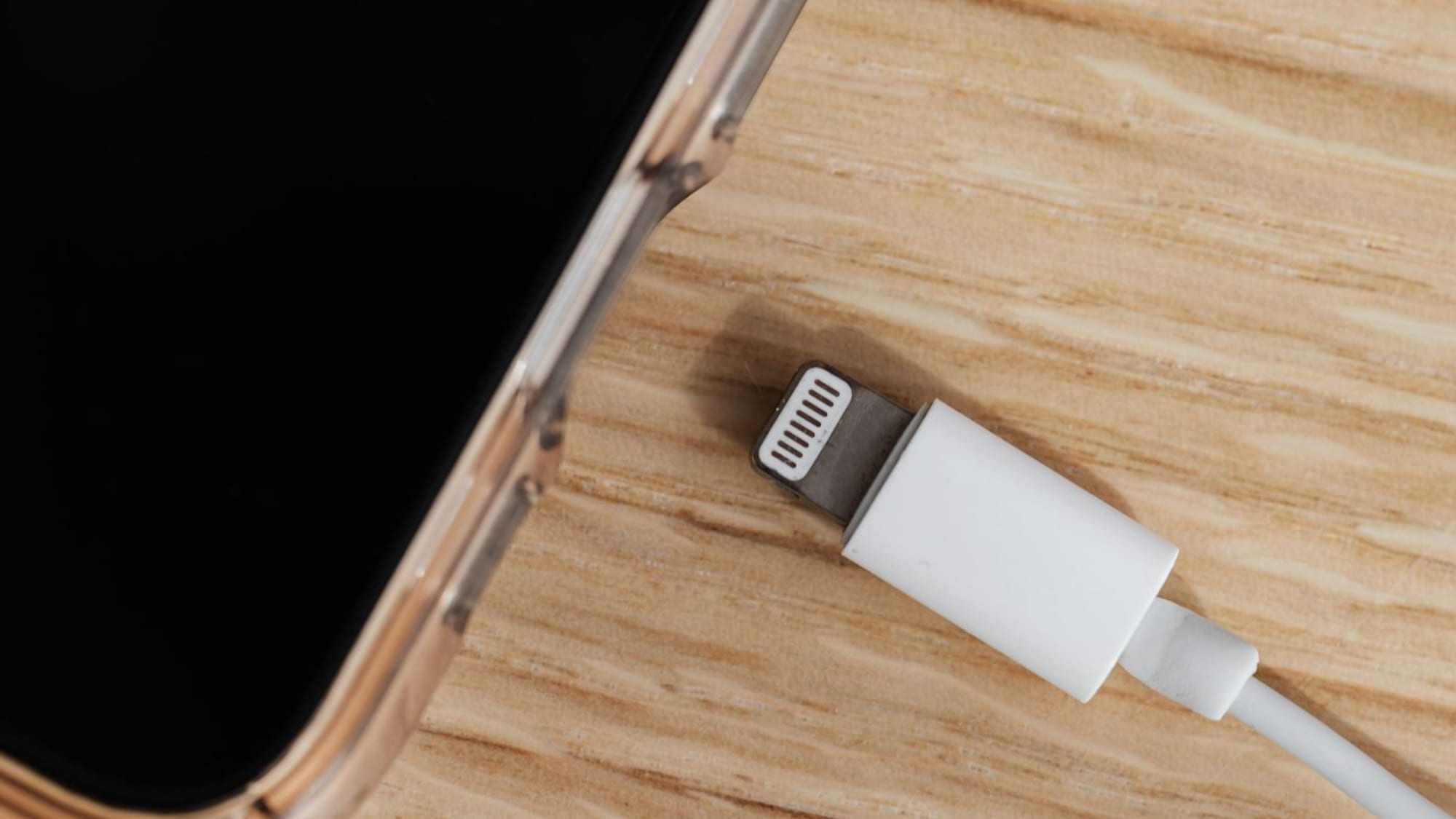
“it charges at an angle”
Charging port cleaning and charging problems in Prescott
A cable that feels loose, works only at an angle, or charges with the plug one way round and not the other is usually a port packed with pocket lint rather than a broken phone. Bring it to the Tek Shop counter in Prescott. The consultation costs nothing, it takes up to fifteen minutes, and on this repair the consultation very often is the repair.
Any of this sound like your week?
- The cable feels loose and will not click in the way it used to
- It only charges if I hold the cable at a certain angle
- It charges with the plug one way up and not the other
- The plug does not go in as far as it does on my tablet
- It says charging, then stops, then says it again
- I can see grey fluff down in the hole and I do not want to poke at it
The consultation costs nothing. The device is checked in, the technician takes you through to the consultation room, and for up to fifteen minutes the two of you look at the port under a proper light, test your own cable and wall adapter on known-good gear, and clear the port if that is what it needs. If the device leaves charging by the end of the consultation, it is $40, our Tek Counter tier, and you take it home. If the answer turns out to be bigger than a cleaning, the technician works out which flat tier the real job sits in, and you hear the labor number and the parts number before anything is ordered. No diagnostic fee and no bench fee.
We do not publish parts prices by model, because the figure would already be wrong by the time you read it. The number you are given at the counter is the real one for your exact device on the day you are standing there.
What we actually do
How this gets fixed
-
Walk in and check in
The Client Experience Coordinator greets you and checks the device in for a consultation. That costs nothing and commits you to nothing. Bring the cable and the wall adapter you have been using, because two of the four possible causes live in those.
-
In the consultation room
The technician comes out, greets you, and takes you through to the consultation room. You look at the port together under a bench light, your cable and adapter are tested on known-good gear, and the port is cleared if that is where the fault is.
-
Charging, or a number
If the device leaves charging, that is $40 and you are finished in the same visit. If it needs more, the technician walks you back up to the Coordinator with a tier and a parts quote, and the work starts only once you have said yes.
Clearing a packed port wants a bench light, magnification, picks shaped for the job, and the known-good cables and adapters that prove whether the device was ever the problem. None of that fits in a bag or travels down a screen share, so this one happens at the Tek Shop counter at 3741 Karicio Ln, Ste #2 in Prescott.
What walking in is like
Up to fifteen free minutes before anything is decided
-
You are greeted at the counter
Our Client Experience Coordinator meets you when you walk in, takes the details and the device, and tells you what happens next. Nobody is left standing at a counter wondering whether they have been seen.
-
The device is checked in for a consultation
A consultation check-in is not a repair check-in. It costs nothing, it commits you to nothing, and you can leave with the device in the same condition you brought it in.
-
The technician comes out to you
The person who will actually work on your device greets you and takes you through to the consultation room. You are not handing it over to a counter and hoping. You go in with it.
-
Up to fifteen minutes, with it open
We inspect the device and confirm what is actually wrong rather than what it looked like from the outside. The consultation runs up to fifteen minutes, and if the fix fits inside them the technician does it while you are sitting there.
Then one of two things
Fixed right there
$40
If the consultation solved it, that is the Tek Counter service and you take the device home with you. No check-in, no collection trip, no second drive across town.
It needs the bench
A tier and a price
The technician works out which flat tier the job falls into and walks you back up to the Client Experience Coordinator with that number. You confirm you want it done, check-in is finalised, and only then does the work start.
-
A check-out consult when you collect
The technician meets you again, shows you the repair, demonstrates that it works and answers short follow-up questions. Then you settle any remaining balance and take the device home. A repair you were shown is a repair you can trust.
Whatever is wrong with it, bring it in. The consultation is free, and it ends one of two ways: a quoted price from a technician who has had your device open in front of them, or a straight answer that this one belongs somewhere else, and where.
Why a charging port stops working
A phone lives in a pocket, and a pocket is full of lint. Every time the cable goes in, it pushes a little more of that lint to the bottom of the port and presses it flat. Months of this builds a dense grey pad at the very bottom, and one day the cable can no longer seat far enough to reach the contacts underneath. The phone is fine. The cable is fine. There is a compressed wad of pocket fluff in the way.
This is the common cause, and the one people least expect, because nothing looks broken from the outside. Get a real light on the port and you can usually see the pad sitting down there. The amount that comes out of a two-year-old phone surprises people, and it is why a device can go from refusing every charger in the house to charging normally inside a single consultation.
Bags are harder on a port than pockets. A phone or an iPad that rides in a tote with pens, receipts and crumbs collects more, and a thick case can hold the plug out of true so that it never fully seats.
The tells that point at the port
Charging problems have four possible homes: the cable, the wall adapter, the port, and the battery. They sort themselves between those four more neatly than people expect, and these four complaints in particular point hard at the port:
- The cable feels loose, or no longer clicks in the way it used to
- It charges only if you hold the cable at an angle, or press on it
- It charges with the plug one way round and not the other
- The plug does not go in as far as it does on another device
What the free consultation actually does
Those are mechanical complaints, and mechanical complaints come from something physically in the way. A device that charges to full and then dies by lunchtime is saying something different, and that one points at the battery. If you would rather work through the whole sequence at your own kitchen table before driving anywhere, our guide to why is my phone not charging lays out all seven checks in order, and three of the four causes cost nothing at all to rule out.
When you do come in, the Client Experience Coordinator greets you and checks the device in for a consultation. That check-in costs nothing and commits you to nothing. The technician then comes out, greets you, and takes you through to the consultation room, where you sit down together with the device between you for up to fifteen minutes.
The first thing that happens is that your cable and your wall adapter are tested on known-good gear, because those are two of the four causes and they are the two that cost you nothing to put right. Then the port goes under a proper light. If there is a lint pad in there it comes out, worked loose with picks shaped for the job rather than anything metal, and the device goes back on a charger while you watch.
If it is charging when you stand up, that is a Tek Counter job, $40, and you take it home. If it is not, the technician works out which tier the real job sits in and walks you back up to the Client Experience Coordinator, where you hear the number and decide. Check-in is only finalized once you have said yes. When you collect the device later, the technician does a check-out consult: the fix is shown to you, short follow-up questions get answered, and then you settle the balance and go.
If the port itself is the problem
These two get called the same thing and they are nothing alike, in money or in method. Clearing a blocked port is a light and a pick at the counter. Replacing a port is surgery: on some phones it sits on a flex assembly that comes out once the battery is out, and on a great many Android phones it is soldered directly to the mainboard, which makes it a microsoldering job with its own equipment and its own trade.
This page is not going to guess which of those your device needs, because the honest way to know is to have had a light on it first. What the consultation gives you is a technician who has, and then a clear answer: a price for the work, or a straight pointer to the shop in the area that is set up for it. Either way you leave knowing what the device needs and what it costs, and finding that out is free.
That holds for anything else the inspection turns up, and the full scope of phone and tablet repair is set out on its own page. Bring the device in, sit down with the technician, and whatever the consultation finds, you leave with the same four things:
- A technician's reading of what is actually wrong, from someone who has had the device open in front of them
- A flat labor tier, named out loud, if it is work for this bench
- A parts price for your exact model, before anything is ordered
- A pointer to the right shop by name, if the job belongs somewhere else
If the real answer turns out to be the battery
A port that is clean and a cable that tests good leaves the battery, and that is a different job at a different tier. Phone battery replacement is Tek Standard, $160 in labor. A tablet or iPad battery is Tek Core, $240. The part is quoted for your exact model before anything is ordered. You hear all of that in the consultation, before anything is taken apart. Nobody opens a device here on a hunch.
The symptoms separate cleanly enough to talk about over the phone. A battery problem is a device that charges to full and then does not last, or one that shuts itself off with charge still showing. A port problem is a device that struggles to take the charge in the first place. What battery health actually means goes through the number itself, and is it worth replacing a phone battery works through whether the swap earns its money.
One thing should not wait for a convenient morning. If the back of the device is lifting away from the frame, or the screen is being pushed up out of it, stop charging it and bring it in today. That is a swelling cell.
Keep it from happening again

Our recommendation: OneStop Standard
If a charging port is what brought you in, a OneStop membership is not the reason to join: a $40 counter job barely moves under a 10% labor discount, Ultimate's included in-shop labor is tied to the computer it is enrolled on and never reaches a phone, and no tier covers parts, so where OneStop earns its place is the computers in the same house rather than this.
OneStop Standard is $35/month.
Prefer to try it yourself first?
Free guides from our Tech Tips
Written by the same techs who'd answer your call. No strings attached.
- Why Is My Phone Not Charging? Seven Checks in Order A phone that will not charge is usually the cable, the adapter, lint in the port or the battery. Seven free checks, then a $40 counter check you pay only if it works.
- What Phone Battery Health Actually Means Maximum Capacity, the 80% number, cycle counts and what performance management really does, plus how to check battery health on iPhone, Pixel and Samsung.
Common questions
How much does charging port repair cost?
If the port is blocked and the technician clears it during the consultation, it is $40, our Tek Counter tier, and that is the whole number. The consultation itself costs nothing, whatever it finds. If the inspection shows the port is damaged rather than dirty, that is different work, and you get either a price or a pointer onward from the technician in the room, before you have spent anything at all.
What happens if the cleaning does not fix it?
Then you have not paid for a cleaning. The $40 is for a device that leaves charging, so a consultation that ends in a different answer costs you nothing. What you get instead is the answer itself: which of the four causes it really is, what tier the work sits in if it belongs on this bench, and what the part costs for your model. You decide at the counter, with the device still whole.
Can I just clean it out myself with a toothpick?
Plenty of people do, and if it works you have saved yourself the drive. Power the device off, use a wooden toothpick, a plastic pick or a dry soft brush, work along the back wall of the port, and lift the pad of lint out whole. Never metal, nothing wet, and no canned air: Apple's own cleaning guidance rules out compressed air and liquid cleaners. If that sentence is what puts you off, that is exactly what the consultation is for.
Could you damage my phone poking around in the port?
The risk in this job is the contacts, which sit on one wall of the port and bend if something hard is jabbed at them. That is why it is done under magnification, with picks chosen for the job, by a technician who does it regularly, and on a bench rather than on a knee. It is also why the first move is testing your cable and adapter, because a fault that lives in a cable means nothing has to go into the port at all.
How long will I be in the shop?
Plan on about twenty minutes door to door. The consultation itself is fifteen, and checking in with the Client Experience Coordinator is quick. If the port was the problem, you walk back out in that same visit with a device that is charging. If it turns out to be a screen or a battery instead, the device gets checked in at that point and you are given a real date rather than a hopeful one.
Do I need an appointment?
No. Walk in at 3741 Karicio Ln, Ste #2 in Prescott, Monday to Friday, 8am to 5pm, and the Client Experience Coordinator will check you in. Calling (928) 583-4454 first is still worth doing if you are driving in from Prescott Valley, Chino Valley or Dewey-Humboldt. A two-minute description of what the cable feels like going in usually tells us what you are in for before you set off.
Do you need my passcode, and will anyone look at my photos?
No passcode is needed for a port cleaning, and nobody here opens your photos, your messages or your files. The port sits outside the device's storage entirely, so clearing it does not touch your data, your settings or your apps. If a consultation turns into a screen or a battery job instead, you still type your own passcode yourself at the end, so that Face ID or Touch ID can be set up again.
What if it is the battery and not the port?
You are told in the consultation, before anything is taken apart. A phone battery is Tek Standard, $160 in labor, and a tablet battery is Tek Core, $240, with the part priced for your exact model before anything is ordered. That is a bigger number than a port cleaning, and you hear it standing up, with the device still in one piece, in time to decide whether it is worth doing at all.
My phone got wet and now it will not charge. What should I do?
Stop charging it, leave the rice in the cupboard, and bring it in sooner rather than after a few days of trying things, because corrosion keeps working the whole time. The consultation is free and it is quick. It ends either with a quoted price from a technician who has had the device open, or with a straight answer that this one belongs with a specialist, and which one to drive to.
Does my OneStop membership help with this?
Less than people expect, and we would rather say so. Standard takes 10% off labor and Plus takes 20%, which on a $40 counter job is a couple of dollars, and on a $160 phone battery is $144 or $128. Ultimate's included in-shop labor applies to the computer the membership is enrolled on, and a computer means a Windows PC or a Mac, so a phone or tablet is never that device and this work is charged separately. Parts are not included at any level.
Charging port cleaning happens at the Tek Shop counter in Prescott, for households across the Quad Cities. It is bench work, so it is the one thing we cannot bring to your door.
In your home
Prescott, Prescott Valley, Chino Valley, Dewey-Humboldt (Arizona's Quad Cities).
By phone & remote
Remote support and OneStop Memberships reach all 50 states.
At our counter
Drop-off repairs at the Tek Shop in Prescott, Monday–Friday, 8am–5pm.
Get Connected. Stay Supported.
Ready to be done with this?
Call before you drive over, or just walk in. The consultation at the Tek Shop counter runs up to fifteen minutes and costs nothing. You leave with a price either way.
Call TekStop at (928) 583-4454Monday–Friday, 8am–5pm. Closed all federal holidays and Black Friday.