“The WiFi doesn't reach the back patio”
WiFi & networking in Prescott
The router your provider gave you was built to a price point, not to your floor plan. We design coverage for the rooms you actually use, and for the yard.
Any of this sound like your week?
- Video calls freeze in one particular room
- The garage, shop or casita gets no signal at all
- The internet keeps dropping, and every device has to rejoin
- Streaming buffers every evening around dinner time
- Dead zones past the kitchen: one bar in the back bedroom, none on the patio
- The printer went offline after a router change and never came back
- Your provider says everything looks fine, and it clearly is not
A standard visit is $160 an hour with no trip fee and no diagnostic fee. More than half of our WiFi calls are fixed with placement and settings changes alone, so the most common bill is an hour or two of labor and no hardware at all. When a home does need equipment, the install is quoted fixed-price, typically $1,000 to $3,000 depending on home size and equipment count; you know the number before anything is ordered.
A simple router replacement takes under 2 hours, devices included.
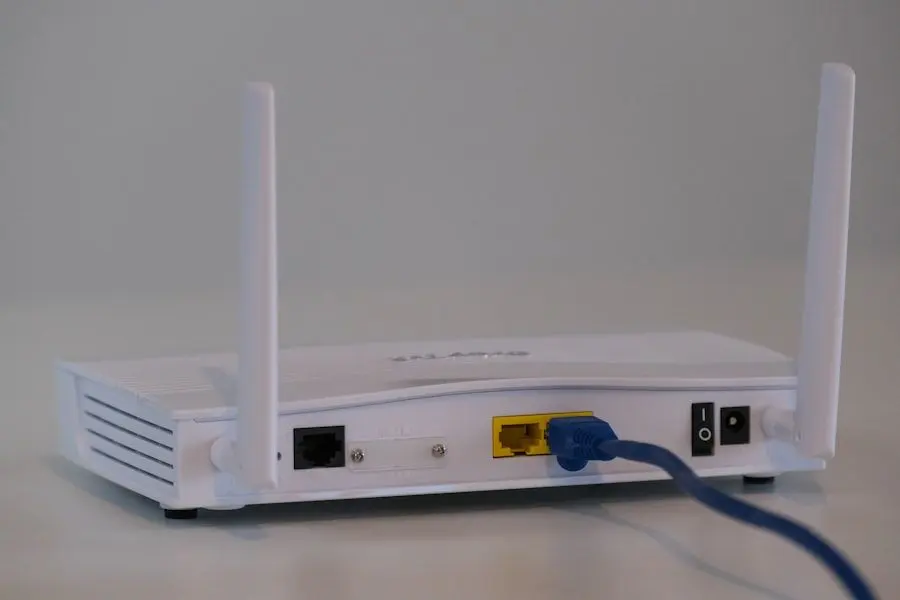
What we actually do
How this gets fixed
-
We map what you have
We measure where the signal actually reaches and what your internet plan really delivers, walls and all. Within the first half hour you'll have an action plan, and you'll hear it before we act.
-
We fix placement before we sell hardware
Sometimes the fix is moving one box and changing two settings, and no hardware changes hands. When you do need equipment, we quote it up front and install our standard TP-Link Omada gear, chosen because it's reliable and reasonably priced.
-
We prove it works
Before we leave we recheck the trouble spots that made you call, back bedroom or patio, and put the printer and the rest of your devices through their paces.
We can diagnose a lot remotely, from router settings to whether an outage is yours or the provider's. Placing and installing equipment is an in-home job.
Getting WiFi to the shop, casita or outbuilding
On an acre or two, the property doesn't end where the router's signal does. The detached garage, the workshop, the casita where family stays: we bring real coverage to those buildings all over the Quad Cities, here in Yavapai County. Depending on distance and what's in between, the answer is a hardwired access point, a mesh node, or a point-to-point wireless link across the yard.
Those links carry a few hundred feet between buildings on the same property; we don't do town-to-town. A metal-roofed shop blocks WiFi about as thoroughly as a building can, so where the antennas sit decides whether the link works at all. That placement is most of the craft. For more on why coverage out here is its own animal, we wrote why WiFi struggles in Prescott.
Wired first, mesh when it earns it
Our standard install is TP-Link Omada, with access points hardwired wherever possible. Omada also doesn't force a complicated setup on a home that doesn't need one; plenty of jobs are still a single well-placed router. A hardwired access point delivers full speed at the far end of the house, while a mesh node relays its traffic over the air. Mesh is the fallback for spots no cable can reach.
Wall drops and attic runs go to licensed local low-voltage contractors we coordinate; we design the layout and configure everything on both ends. Full setups are quoted as a single fixed price.
Is it your WiFi or your internet?
Half of every diagnosis is deciding which side of the modem the problem lives on, and we settle that before you spend a dollar on the wrong fix. We don't sell internet service, so when the connection itself is the bottleneck, we just say so. Among our clients, Sparklight is both the most common provider and our current local recommendation. Their support is easy to reach when a line problem needs escalating. The full reasoning is in who has the best internet in Prescott.
If everything just went dark, check whether it's an outage before anyone bills you for it. And when video calls freeze while Netflix plays fine, the culprit is usually a thin DSL upload; more on that in the FAQ below.
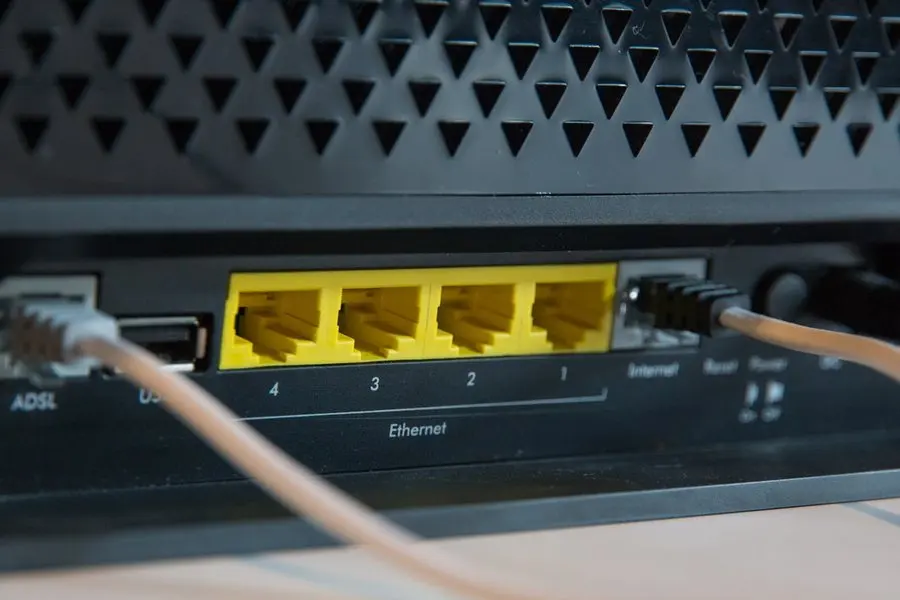
What a WiFi visit includes
TekStop is two people, owner Niles Benghauser and Joshua Jackson. The discipline is the same whichever of us knocks: plain English, and a check-in before complex work eats more billable time. Rather try the easy things first? Start with our 5 quick fixes for WiFi problems (no hard feelings when they work).
- Signal checked room by room against the speeds you're paying for
- Placement and settings corrected before any hardware is discussed
- A fixed-price quote when equipment is the answer
- Access points hardwired where possible; mesh only where cable can't go
- Licensed partner coordinated for any wall drops or attic runs
- Printers, TVs and cameras tested after any equipment swap
Can WiFi trouble come to the service center?
Mostly it can't, and that's the honest answer. Coverage is a property of the building: where the router sits, what the walls are made of, and how far the patio is from the nearest access point. None of that can be measured from a bench, so WiFi work stays an in-home job at $160 an hour.
There isn't really a counter version of this one. A router or a mesh kit has to meet your house to be worth anything: it needs your internet service, your walls and your devices before anyone can tell whether it works. We set those up in the home at $160 an hour, where the result can actually be judged.
The Quad Cities, house by house
We work on-site across Prescott, Prescott Valley, Chino Valley and Dewey-Humboldt with no trip fee, and the same complaint means something different in each town. In older Prescott homes, plaster and masonry walls soak up signal, so coverage dies room by room. Prescott Valley's newer single-story homes spread the same complaint out sideways: one router by the front office, and the back bedroom is simply too far away.
Chino Valley often means acreage, with a shop or casita well apart from the house: the building-to-building work described above. In Dewey-Humboldt the conversation may start before the router: configuring the network behind a Starlink dish, or thinking through which provider fits.
We're remodeling, and when it's done I want the WiFi to just work everywhere.
The network we designed from the floor plans
A client mid-remodel asked for exactly that. So we started before the walls closed: reviewed the floor plans and designed the network around them, then brought in our low-voltage partner so the cable runs went in while everything was open.
Installing and configuring the equipment took a couple of hours once the walls were closed. Then we walked the property together: full speed on ethernet and WiFi everywhere, including the back yard and the workshop.
“Friendly and courteous, Niles is a savvy technician and knows his stuff. He helped me troubleshoot some complex issues with my network and associated hardware and got me up and running on an upgraded system. Will definitely call him again.”
Keep it from happening again

Our recommendation: OneStop Standard
Once a network is set up right, nearly everything afterward is a phone-call problem: a device that won't rejoin, a setting that moved. OneStop Standard makes those calls free.
OneStop Standard is $35/month.
Prefer to try it yourself first?
Free guides from our Tech Tips
Written by the same techs who'd answer your call. No strings attached.
-
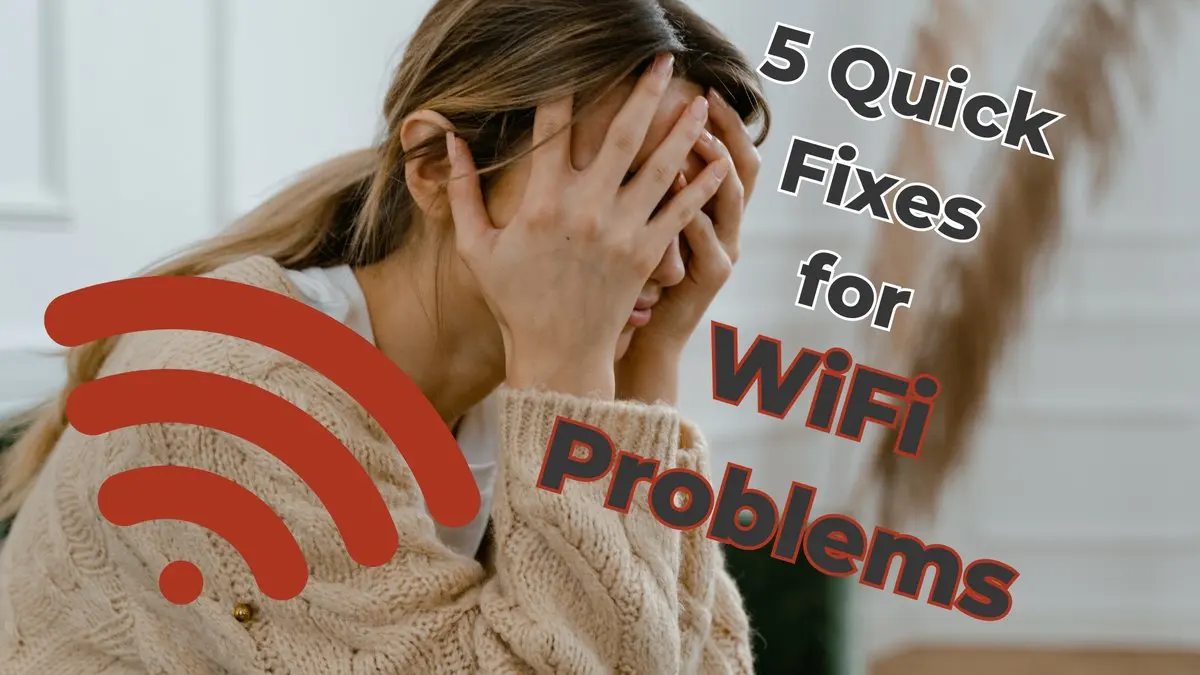 5 Quick Fixes for WiFi Problems (Try These Before Calling Anyone) Five fixes that resolve most home WiFi complaints: restart order, router placement, band steering, extender audits and the forgotten firmware update.
 -
 Why Is My WiFi So Bad in Prescott? Prescott's old walls, long lots and limited internet options gang up on WiFi. Here's what's actually wrong in most local homes, and what genuinely fixes it.
Common questions
How much does WiFi help cost?
A visit runs $160 an hour with a 1-hour minimum on-site, and nothing extra for the drive or the diagnosis. Over half of WiFi calls end with nothing sold, so the typical bill is one or two hours of labor. Installs get a fixed quote, usually $1,000 to $3,000; the whole rate card is on our pricing page.
How long does a WiFi fix take?
Most on-site visits run 1 to 2 hours, and a simple router swap fits inside that, devices reconnected and tested. Full installs are quoted first, then scheduled once the equipment is in hand.
Can you fix my WiFi remotely?
Often. Router settings and speed questions respond well to a remote session, which starts at $80 for 30 minutes, and we can usually tell an outage from an equipment failure over the phone. Placement and new equipment work is in-person.
Do I need a mesh system?
Not always, and we'd rather say so before you buy one. A hardwired access point outperforms mesh wherever a cable can reach, so that's our first choice; mesh fills in the spots wiring can't.
Can you get WiFi to my shop, casita or barn?
Yes. A nearby building can often take a mesh node or a hardwired access point; for a shop or casita further out, a point-to-point wireless bridge covers a few hundred feet on the same property. Town-to-town links are outside what we build.
Which internet provider do you recommend?
Right now, Sparklight. Most of our clients already use it, and their support is reachable when a line problem needs attention. We don't sell internet service, so we have nothing to gain from the answer either way.
Why do my video calls freeze when Netflix works fine?
That's the signature of a thin upload, common on DSL. Streaming pulls data down; a video call must also push your camera feed up, and on DSL the upload is a small fraction of the download. It's a line problem, not a router problem; no equipment purchase fixes it.
Do you install Starlink?
Not the dish: roof work needs a contractor's license, and we stop where a license starts. Once the dish is up, we handle everything after it, from bypass mode on the Starlink router to mesh or access points behind it, and reconnect every device in the house.
Can you run ethernet through my walls?
We plan the route and configure both ends; a licensed local partner does the drilling and pulling. One plan, one point of contact.
Will my printer and other devices reconnect after a new router?
Our network-change procedure covers this: printers and other devices get tested after any router or modem swap, so the classic "printer vanished after the new modem" call rarely follows our installs. If it already happened after a DIY swap, printer setup & repair is the fastest path.
Do you work with Macs and iPhones?
Yes. A well-built network doesn't care what joins it, and setting up Macs, iPhones and iPads is part of the job. Most of our clients run Windows, but Apple households are just as at home with us.
What if the problem can't be fixed?
You'll hear it early, not on the invoice. Every visit gets a diagnosis and plan inside the first 30 minutes, and on complex problems we ask before spending more of your money. If the fault is one only the provider can repair, you pay for the diagnosis and leave knowing exactly what to ask them for.
We provide wifi & networking for homes throughout Prescott, Prescott Valley, Chino Valley and Dewey-Humboldt. We also work by phone and remote, nationwide.
In your home
Prescott, Prescott Valley, Chino Valley, Dewey-Humboldt (Arizona's Quad Cities).
By phone & remote
Remote support and OneStop Memberships reach all 50 states.
Get Connected. Stay Supported.
Ready to be done with this?
Call now. If it's remotely fixable, it can be handled today.
Call TekStop at (928) 583-4454 Monday–Friday, 8am–5pm. Closed all federal holidays and Black Friday.
After hours, you'll get an emergency option. Emergency work is billed at $320/hour.